My Health Plan
The 'My Health Plan' section lets you manage health plan modules for your herds and flocks.
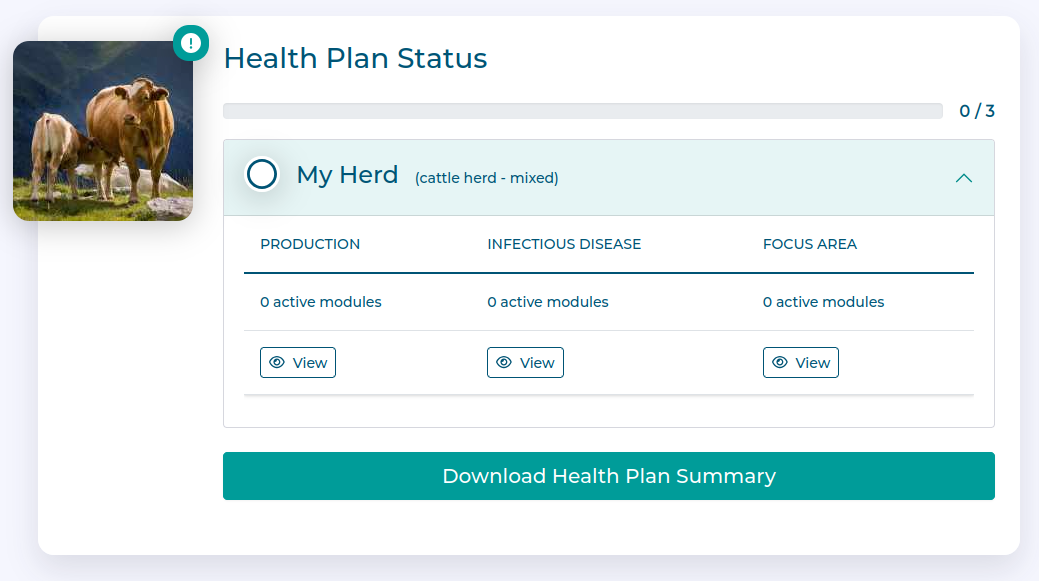
The main overview of the 'My Health Plan' page shows:
a collapsible summary of the current Health Plan status for each herd or flock.
a button to download a Health Plan Summary document, which provides an overview of the current state of all Health Plans on the Farm.
Health Plan Summary
You can at any time generate a PDF summary of your overall Health Plan, which is suitable for printing, emailing etc.
Clicking the Download Health Plan summary button will generate this and download it in your browser.
Setting up a Health Plan
In setting up a health plan you work with a number of different modules pertaining to Production Planning, Infectious disease management, and Focus Areas (used to work on specific issues such as Lameness for example).
Whilst each of the modules is different, the overall process is essentially the same:
Create a new module and assign it to one or more livestock groups.
Complete the module Overview to give general details such as start and end dates.
Set the targets you want to measure as part of the module
Set the actions you want to perform as part of the module
Save and review the draft module
Once happy, submit the module to make it active
Each of the modules is presented in more detail here, with a more detailed breakdown of the process given as an example in the Production Plan:
Progress
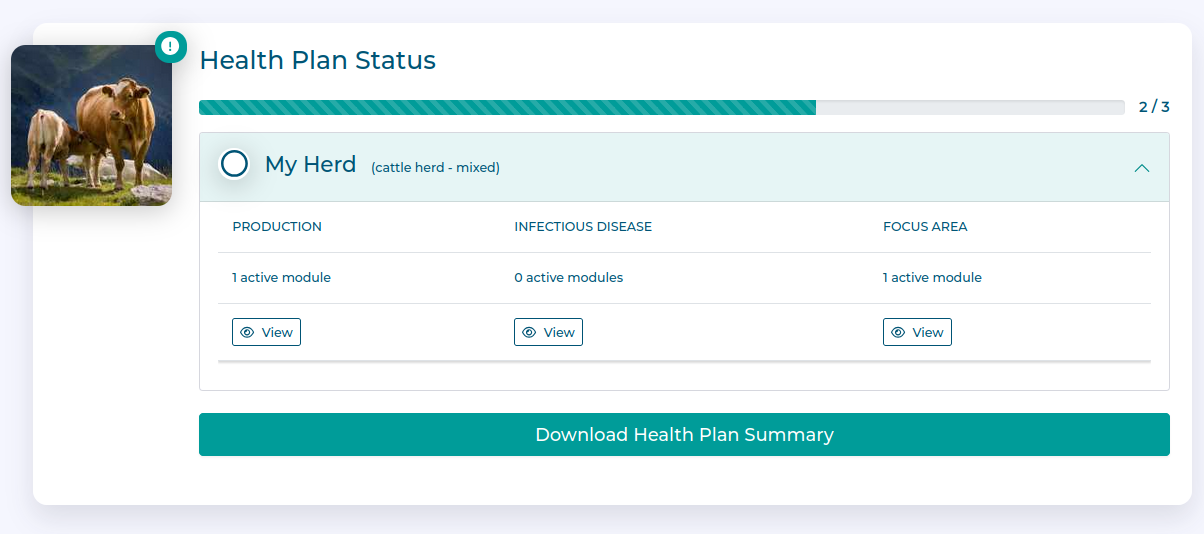
As you set up the various modules required to build up a complete health plan, the Health Plan Status in the My Health Plan section updates.
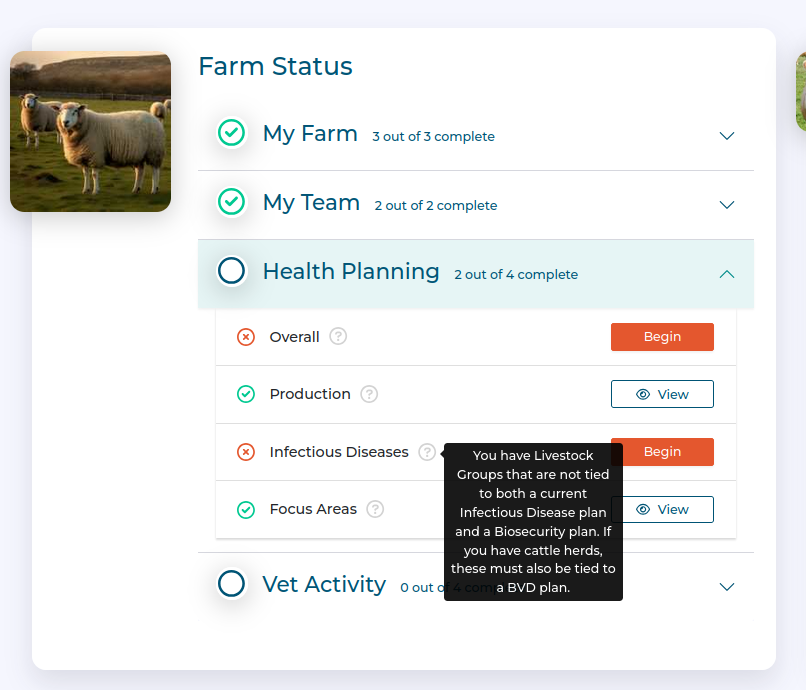
Additionally, the Farm Status card on the Dashboard changes to reflect progress and can give insight into any deficiencies in the overall compliance of the Farm.