Farm Library
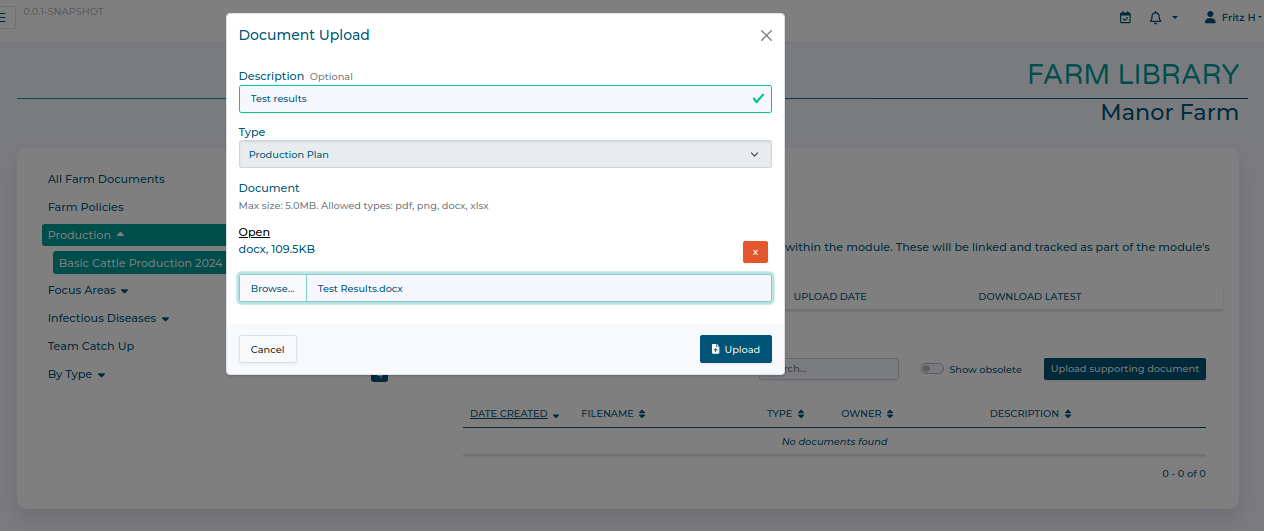
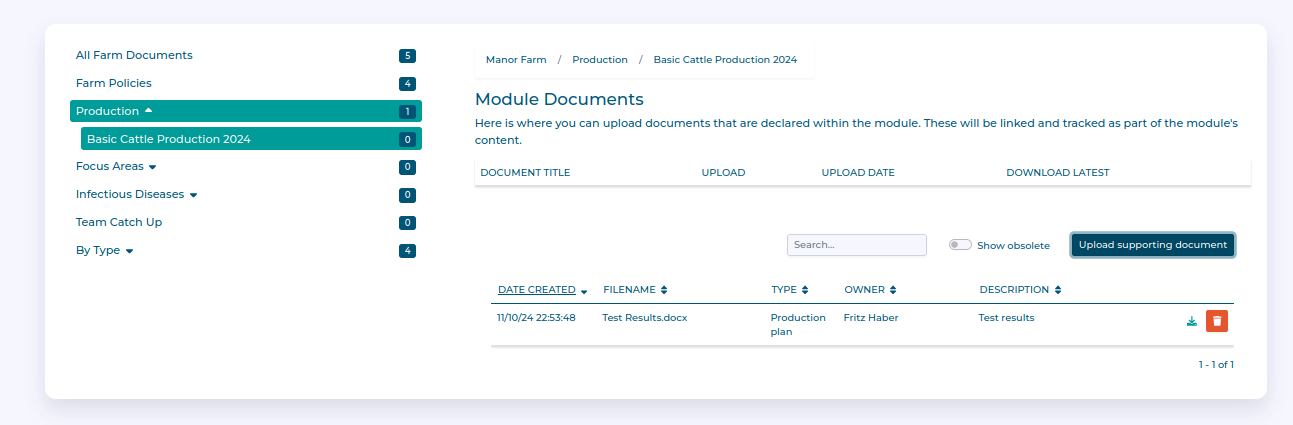
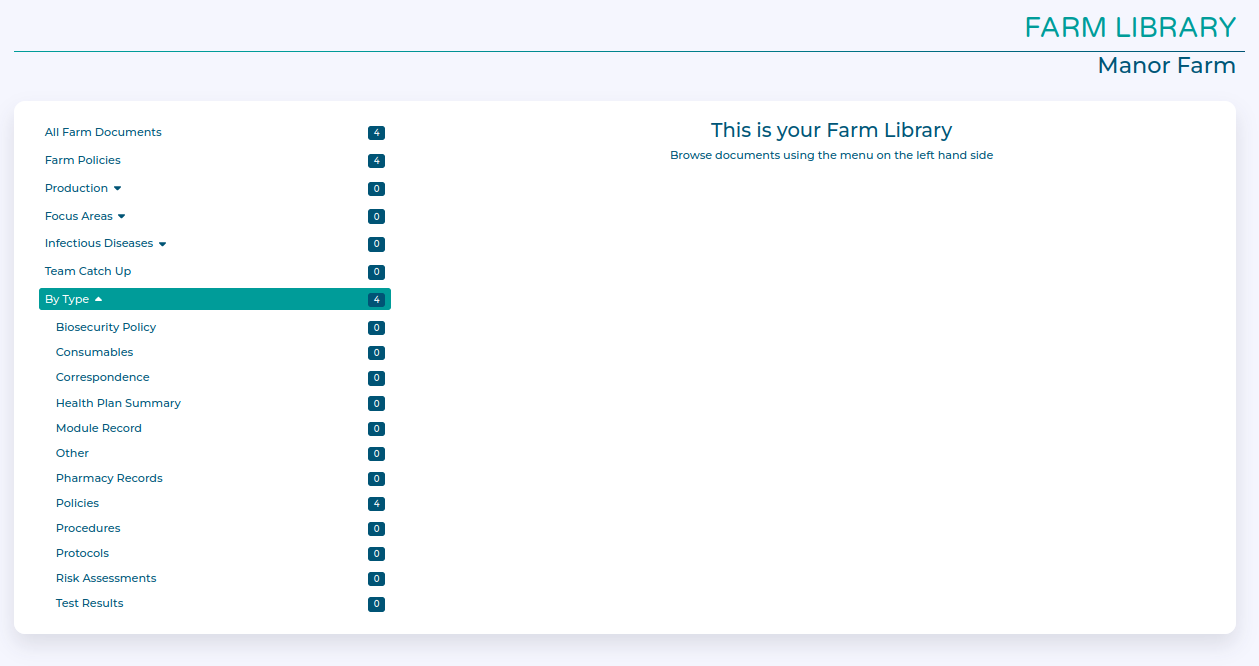
The Farm Library allows you to access, upload, or update documents from across all the different modules and sections of HerdPlan in a single centralised area.
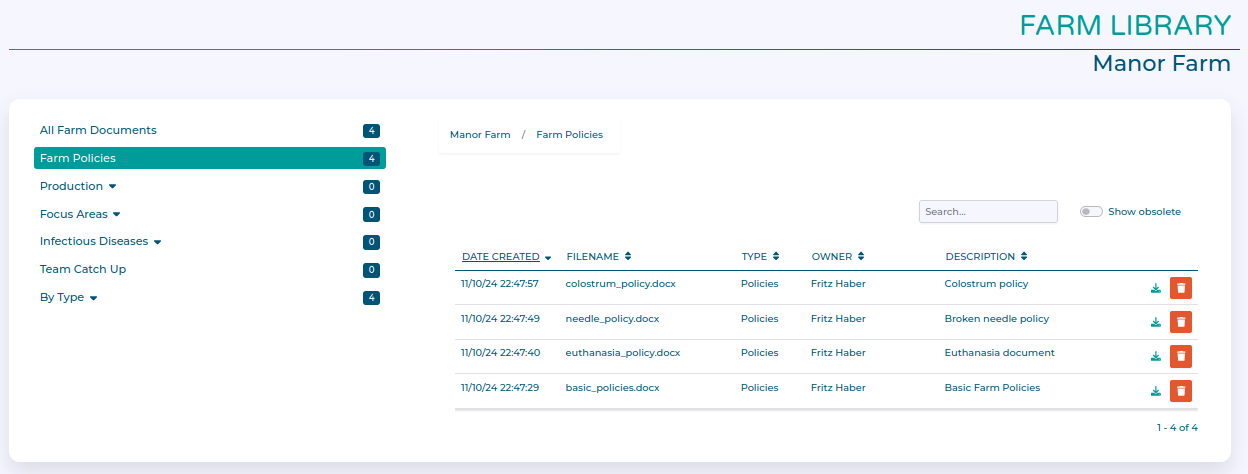
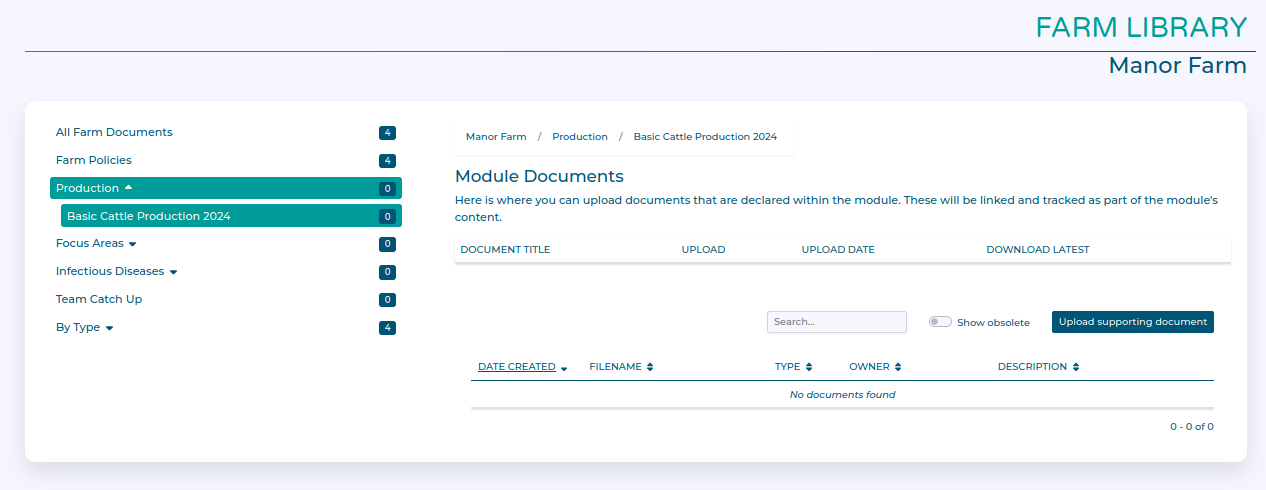
The main screen shows an organisation menu which shows how documents are organised according to the module they are attached to.
Documents can be just kept as general farm records, or can be attached to specific health plan modules.
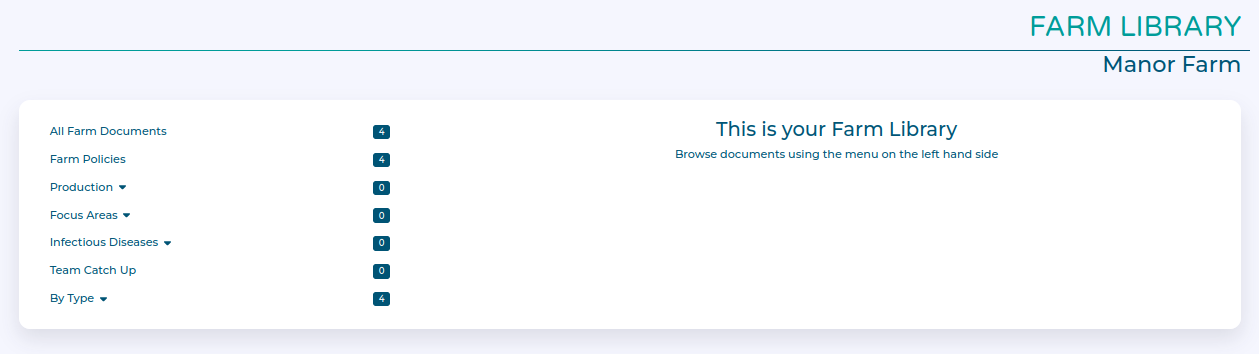
For example, clicking on Farm Policies here shows all the current Farm Policy documents. Older versions of documents, or documents which have been marked as 'obsolete' can be shown using the Show Obsolete toggle. You can download a copy of a document using the green Download button, and you can hide unwanted documents by marking them obsolete with the red Bin icon.