Getting Started
Account registration can begin either from the main landing page, or from an email inviting you to join HerdPlan. In either case the process is similar.
Registering for an account
If you are starting from the main site, you can begin registration by clicking on the registration link (highlighted in red below).
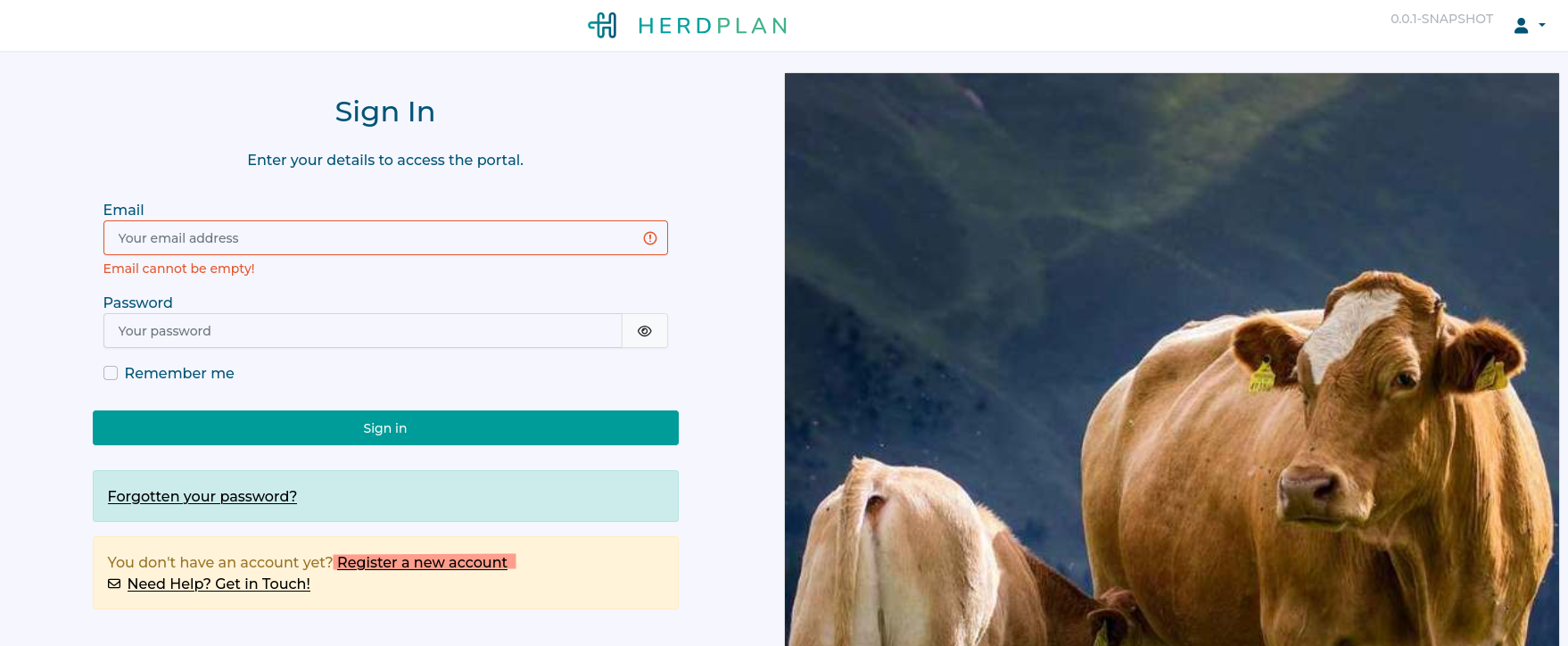
Registration consists of three steps:
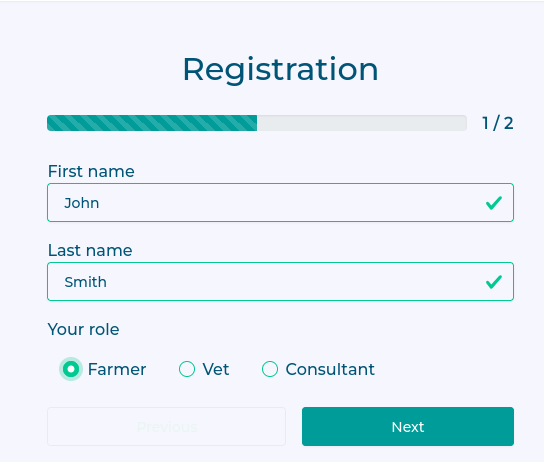
Provide your name and choose your account role.
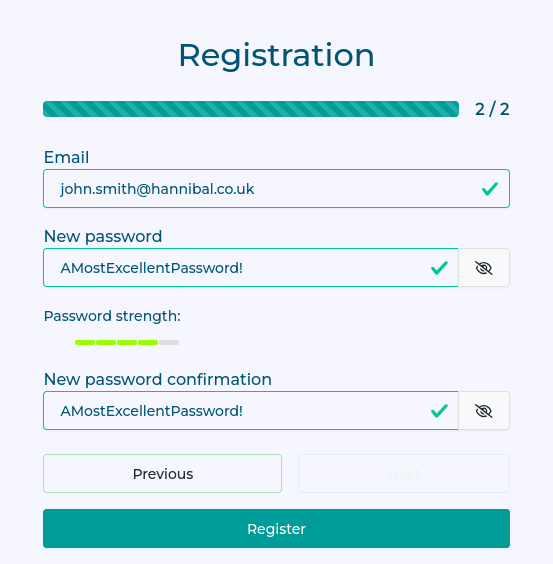
Provide an email and password.
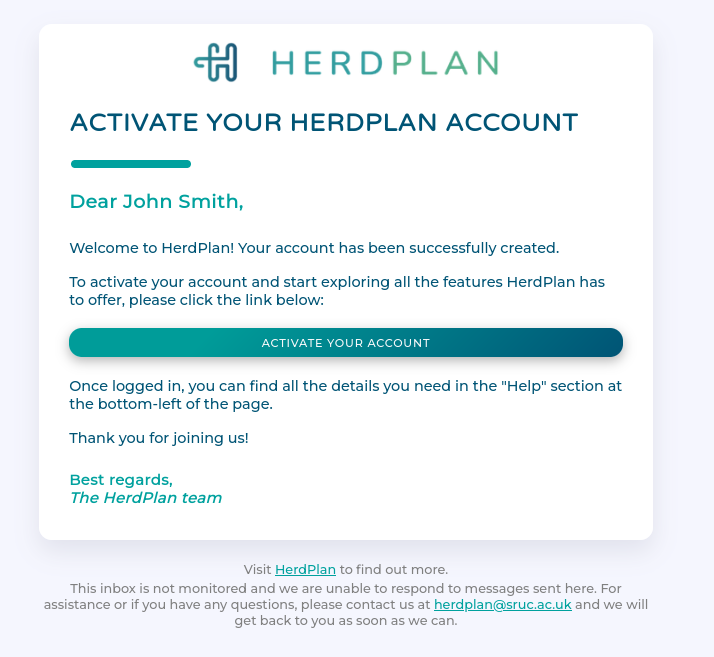
Activate your account.
Name and Role
Enter your name and choose your role. You can find out more about roles here.
Email and Password
Enter your email and pick a password.
Activate your account
This is an important step to verify that you own the email account you provided. Just click on the 'Activate' link in the email.
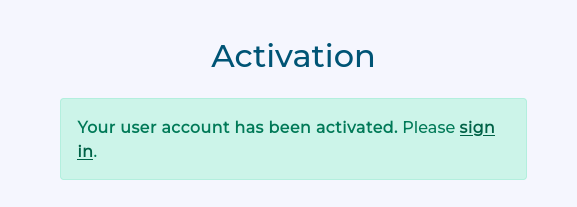
You now have an active account and can sign in with the email and password you provided.
Accepting an Invitation
If you are starting from an email invitation, then the person who invited you has already provided most of the details required.
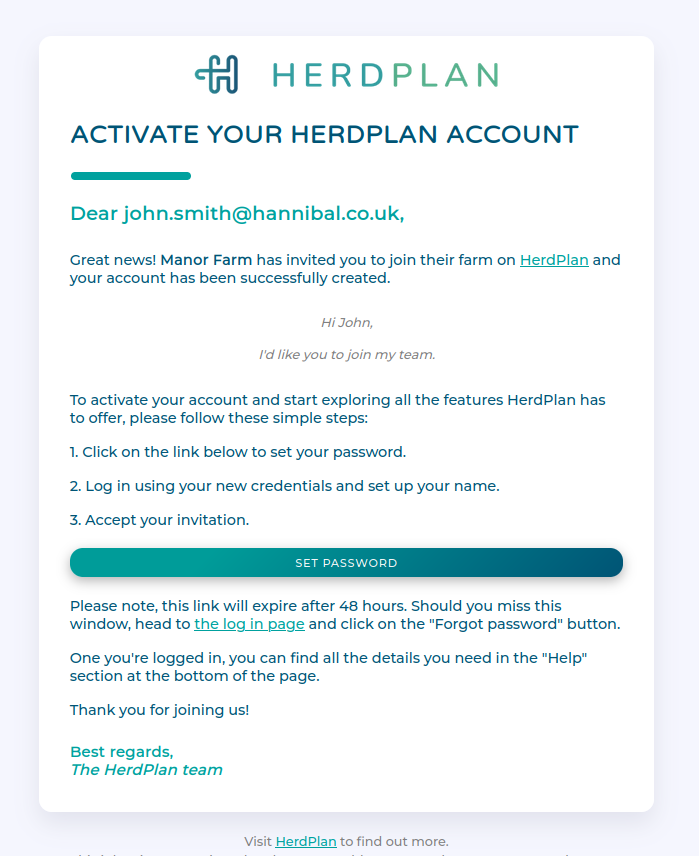
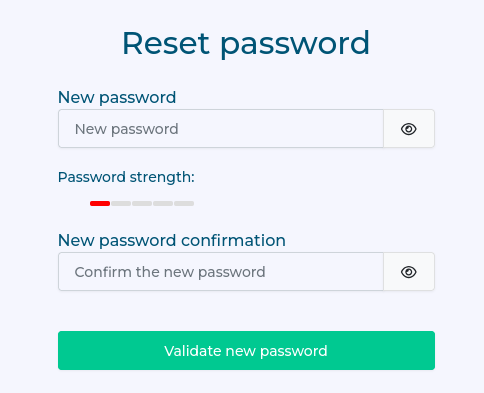
The email has a link which allows you to set a password for your account, and you can then sign in with your email and chosen password.
Next Steps
If you are a farmer, your next step would be setting up a farm.
If you are a vet, your next step would be claiming a practice.