Setting up a farm
You can connect to an existing farm if invited, or set up a new one.
First time logging in
The first time you log in you will be asked to confirm some details. Don't worry, you can always change these in future if you want through the account settings.
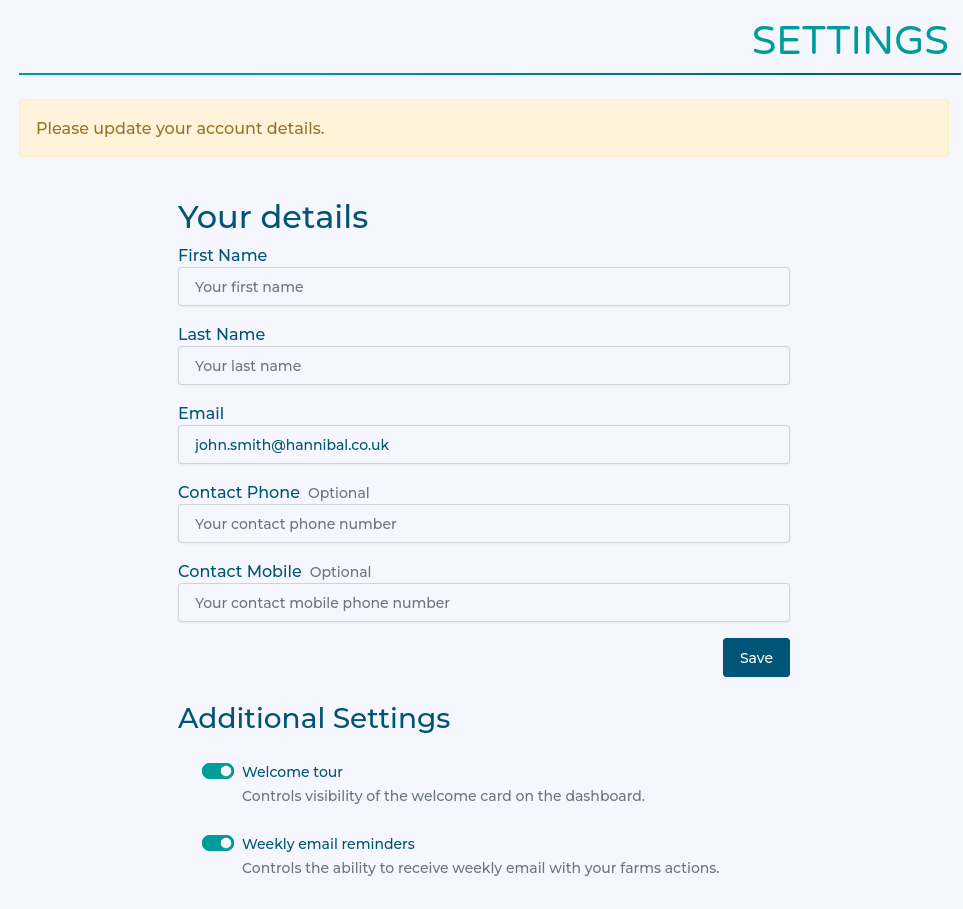
Create a farm, or Join a farm?
If you are a farmer who has just joined, you will have to create a new farm.
If you were invited into a farm that already exists, then you can accept the invitation.
Creating a farm
If you need to create a farm, there's a simple link to get started.
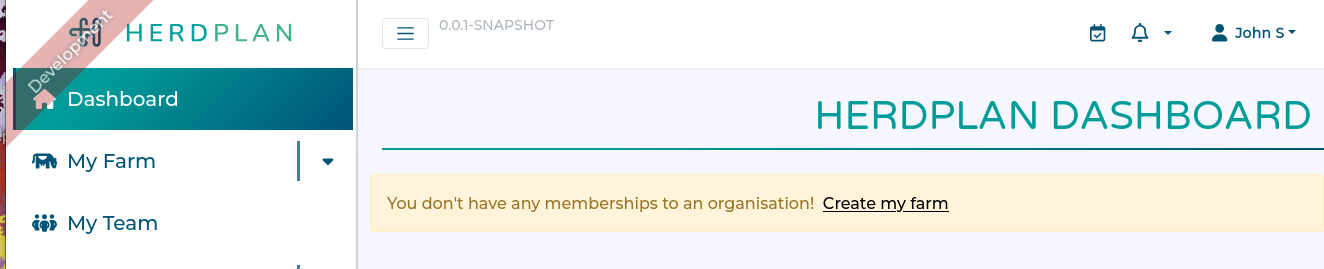
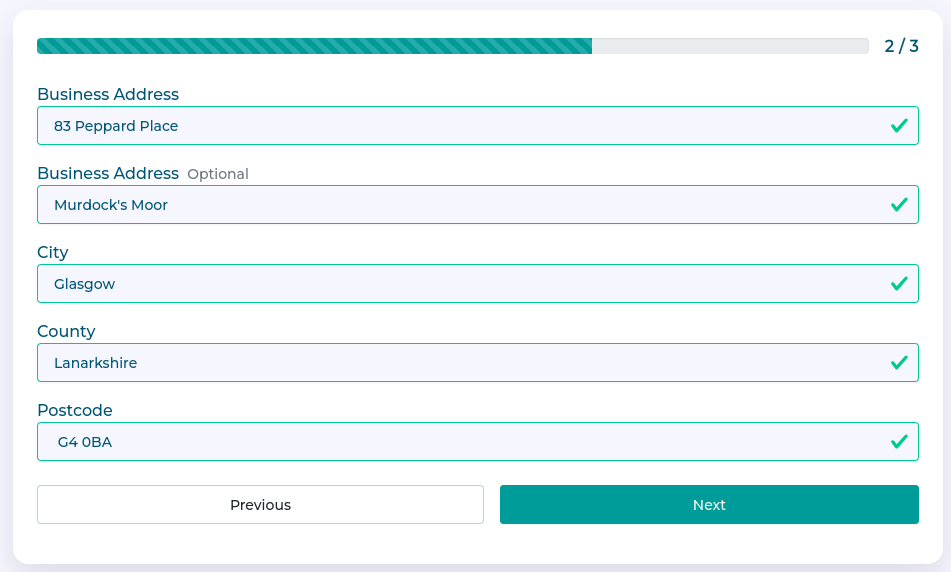
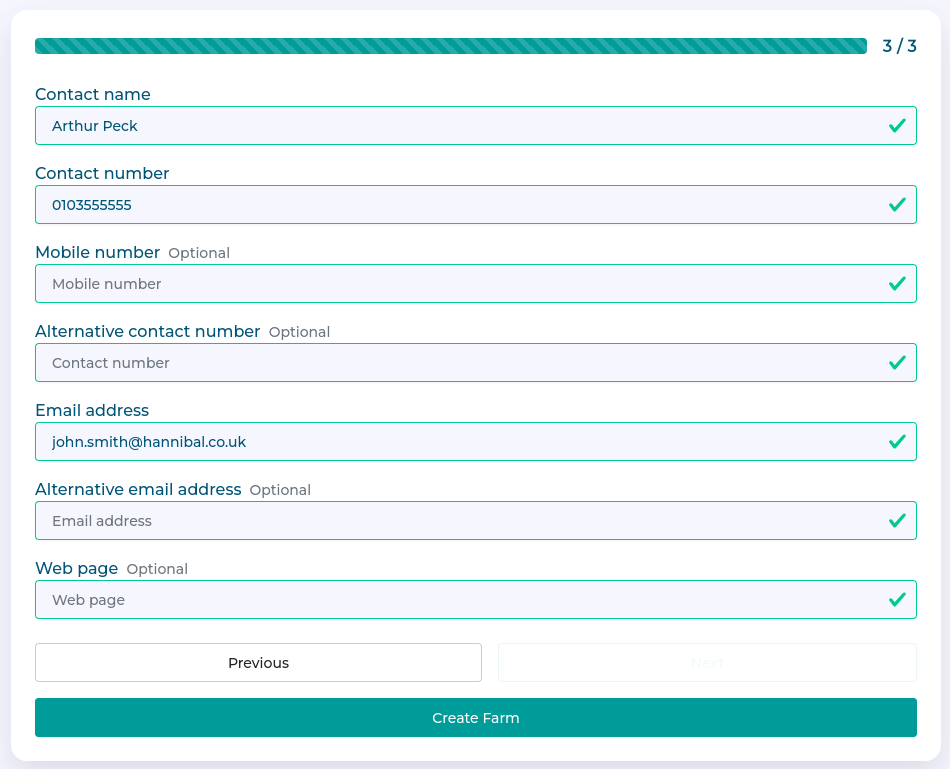
This launches a short three-step form to capture information about your farm.
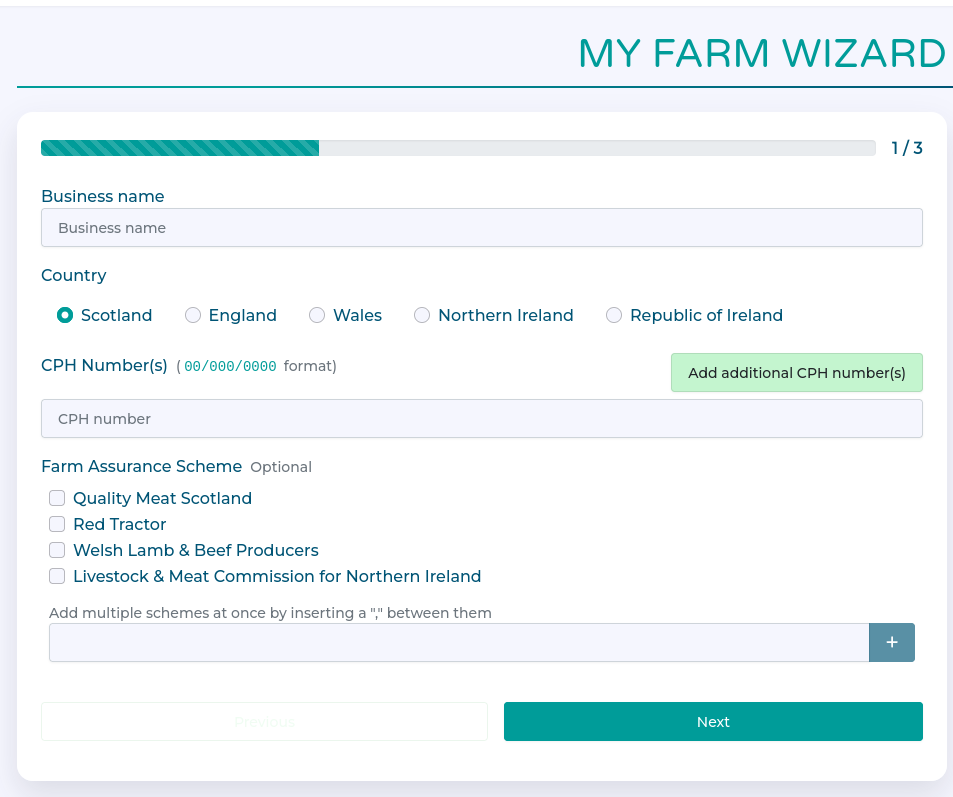
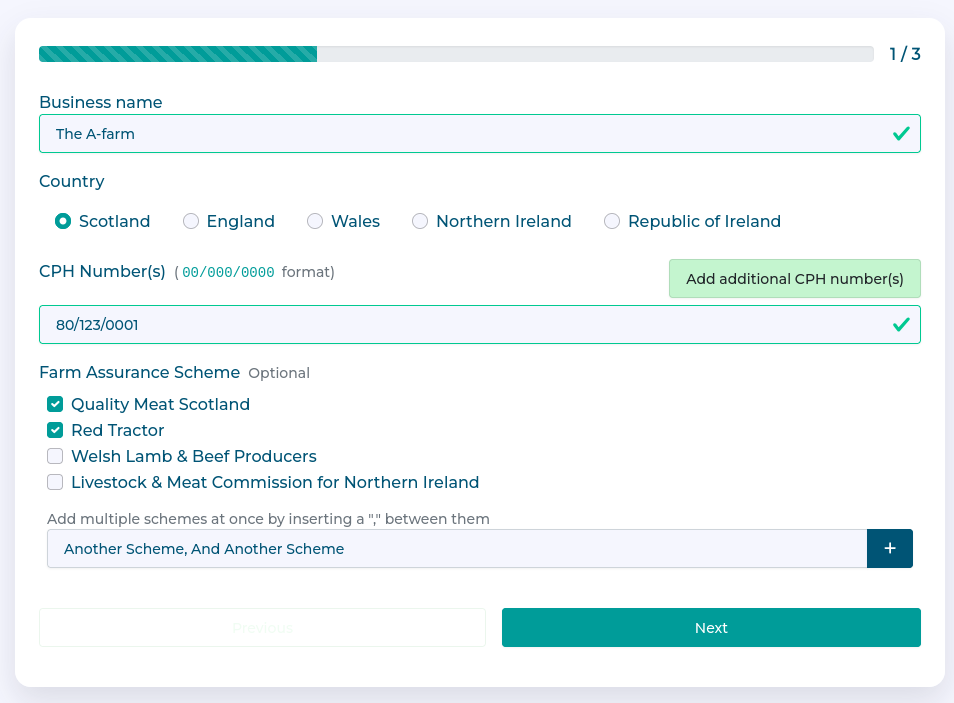
CPH number and Assurance Scheme
Address
Contact Details
Accepting an invitation
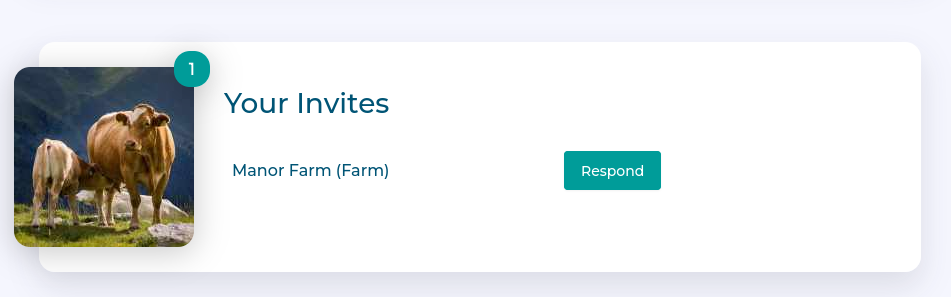
If you have invitations to join a farm organisation, you will see them in the "Your Invites" card on the dashboard.
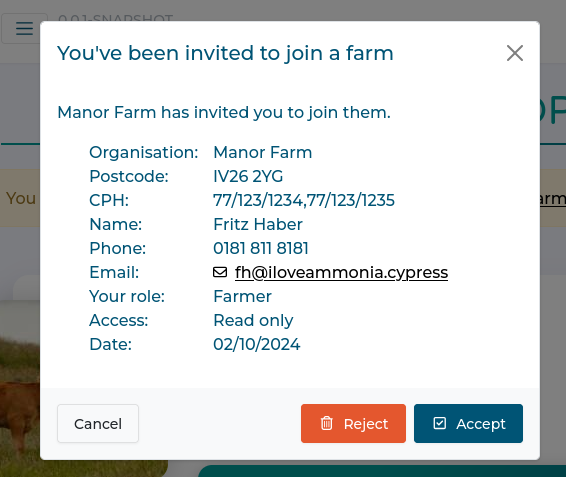
Clicking respond will show more information about the organisation and who has invited you.
You can "Accept" the invitation to join the organisation, "Reject" to cancel the invitation entirely, or 'Cancel' and come back later.
No Subscription
You may see this warning whilst setting up your farm. Don't worry, this will be resolved by your Vet.
