Policies and Documents
The 'Policies and Documents' can be found in the 'My Farm' section.
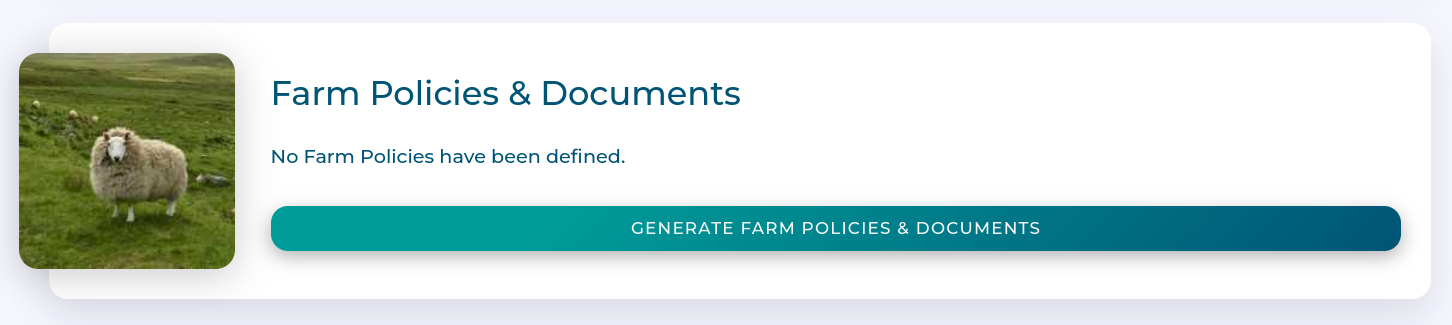
Workflow
Adding Policies
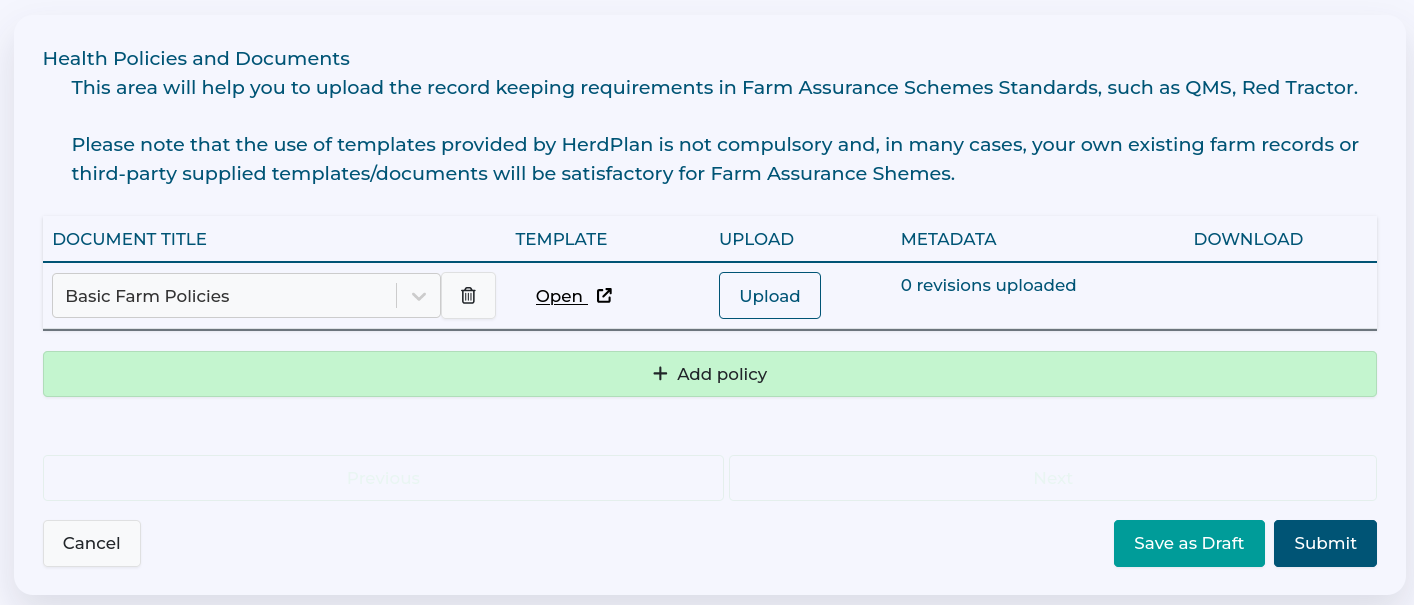
Add a new policy with the 'Add Policy' button.
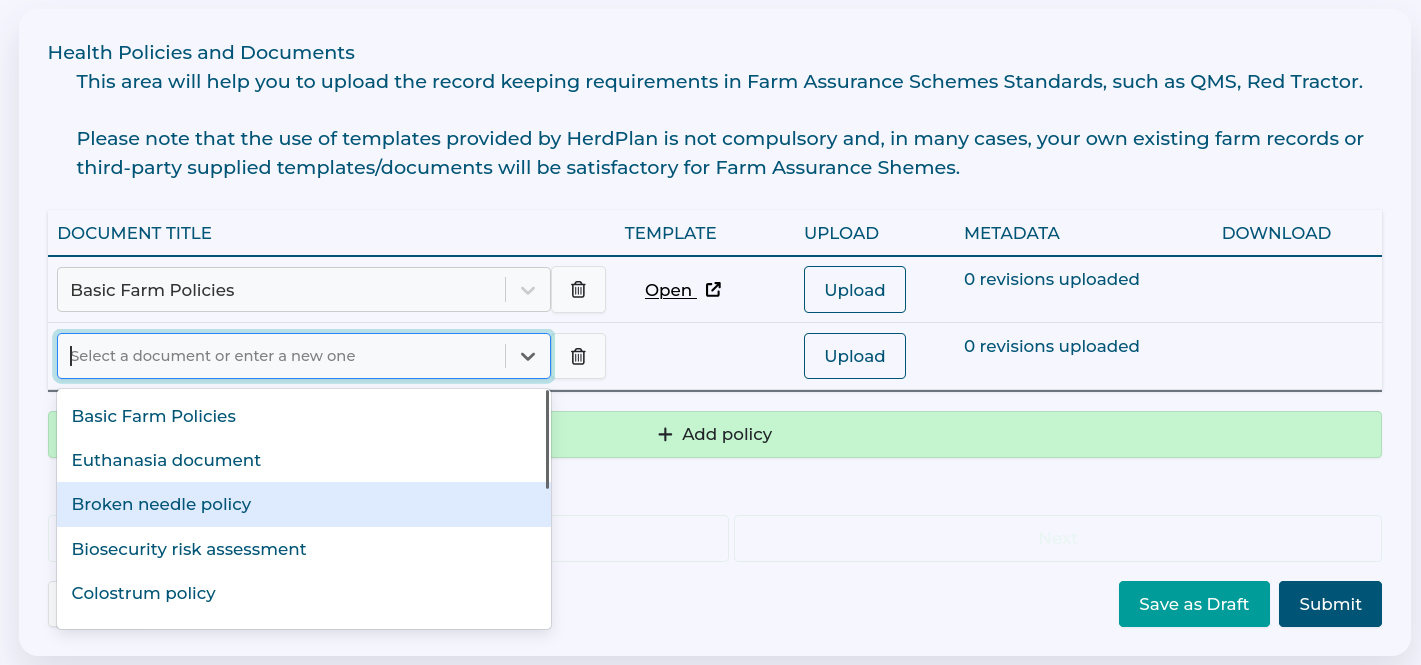
Select a policy from the dropdown.
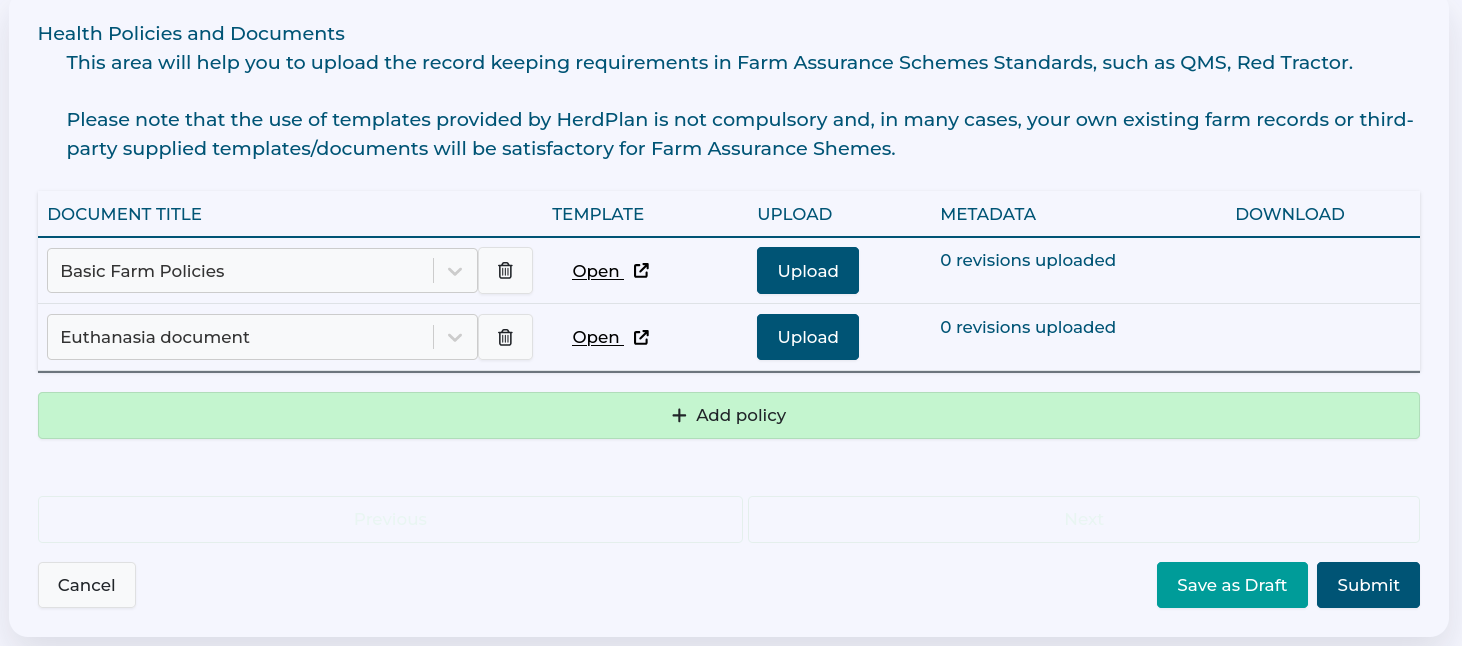
You can continue to add policies, and when finished use 'Save as Draft' to save the form.
Uploading Policy Documents
You can then upload each policy document to the form with the relevant 'Upload' button.
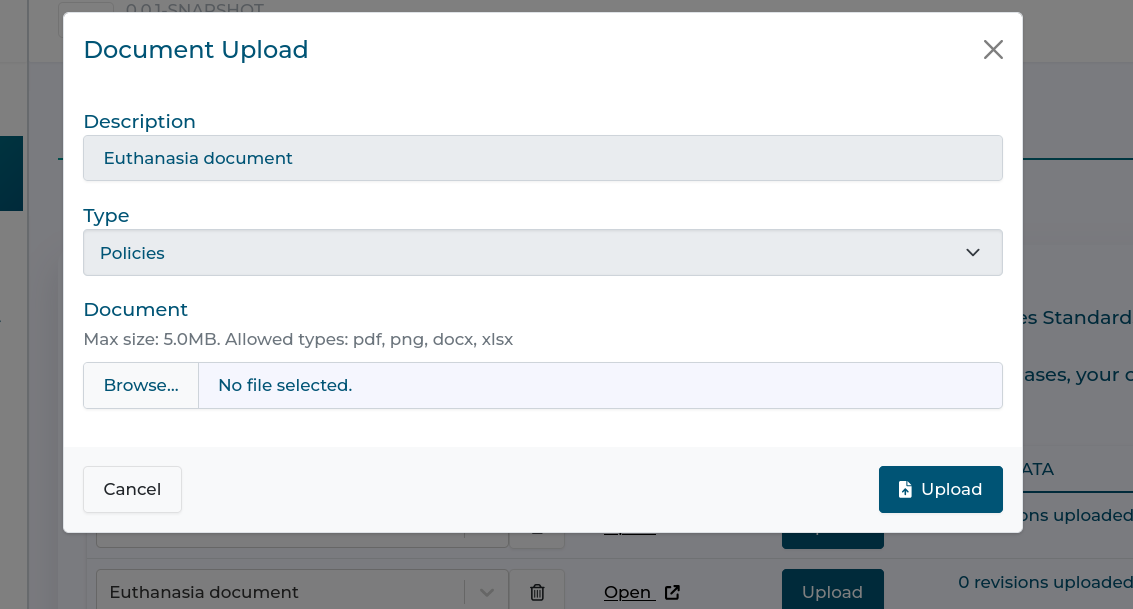
Whilst you can use your own policy documents, HerdPlan also provides templates for common policies which can be accessed with the template link (highlighted in red)
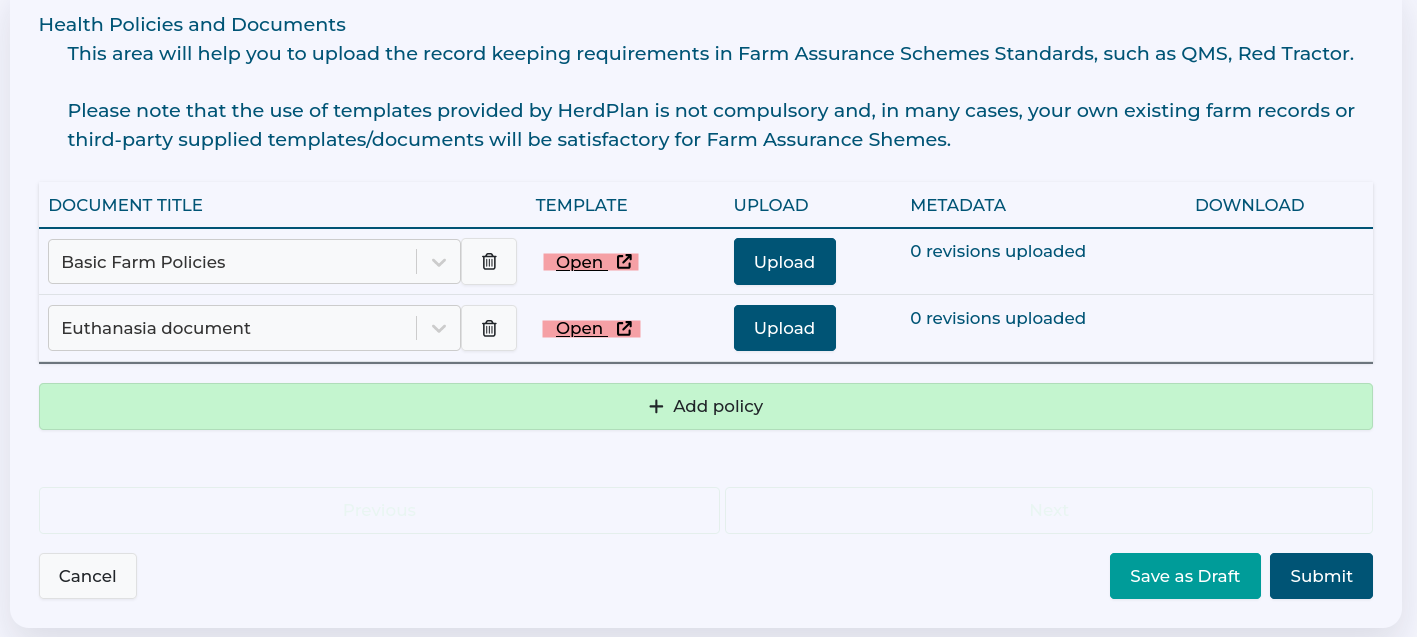
Once all or some of the policy documents are uploaded, use the Submit button to save the changes.
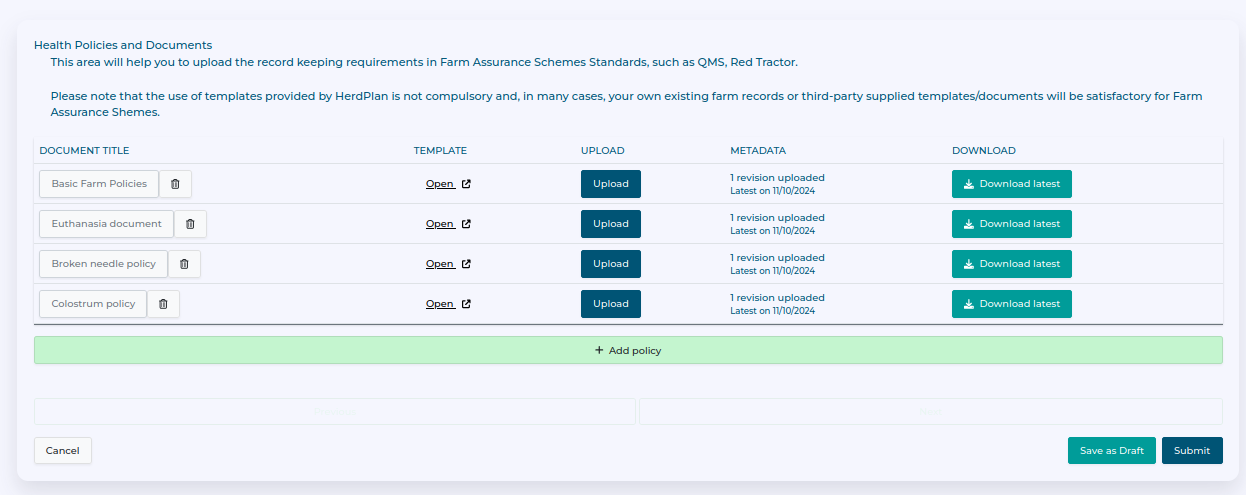
You can always upload new revisions of the policy documents if required. The Farm Library will keep copies of each revision.
Last modified: 20 February 2026