Data Sheets
Data sheets are found in the Navigation menu under 'My Farm'.
Data sheets let you record important information about your herds and flocks over time.
Workflow
Adding a new Data Sheet
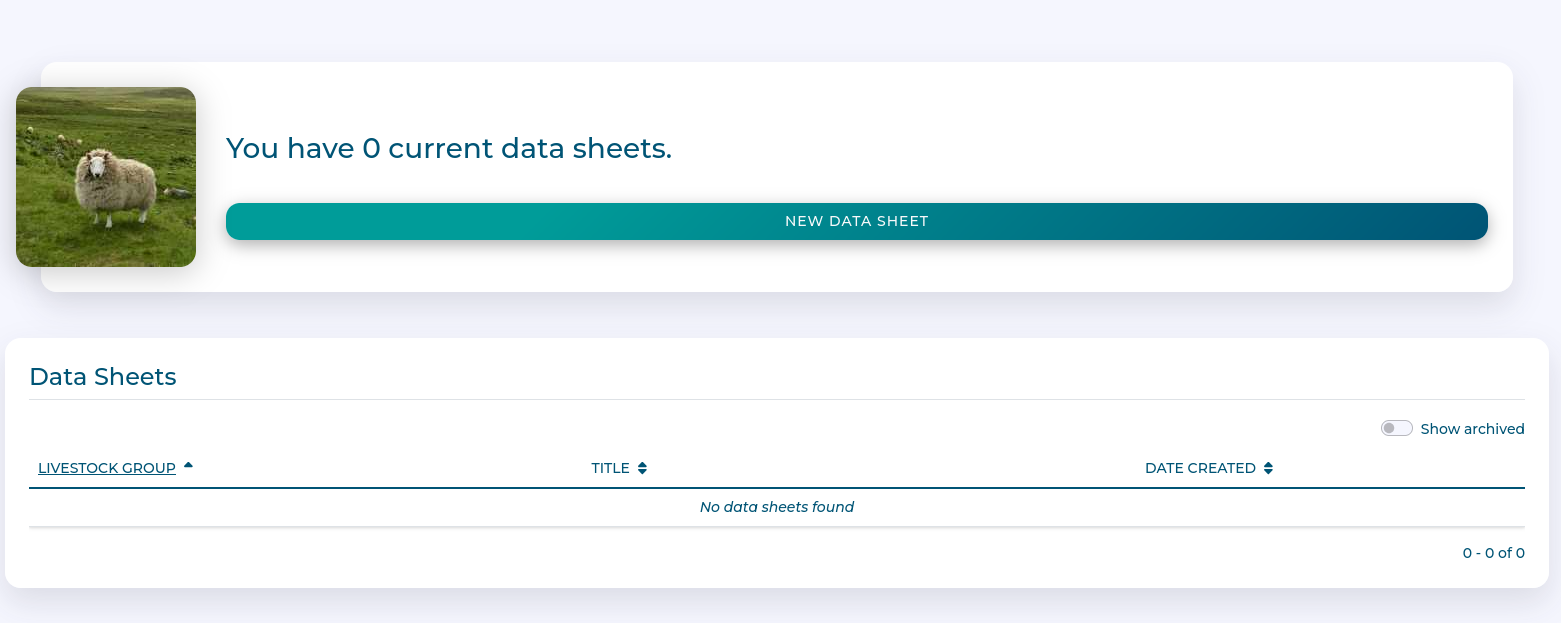
Click 'New Data Sheet'
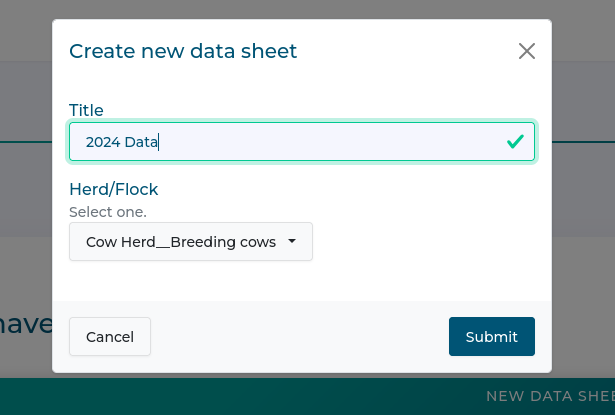
Add a title, and select the herd or flocks you wish to record data for.
Fill out data you want to record.
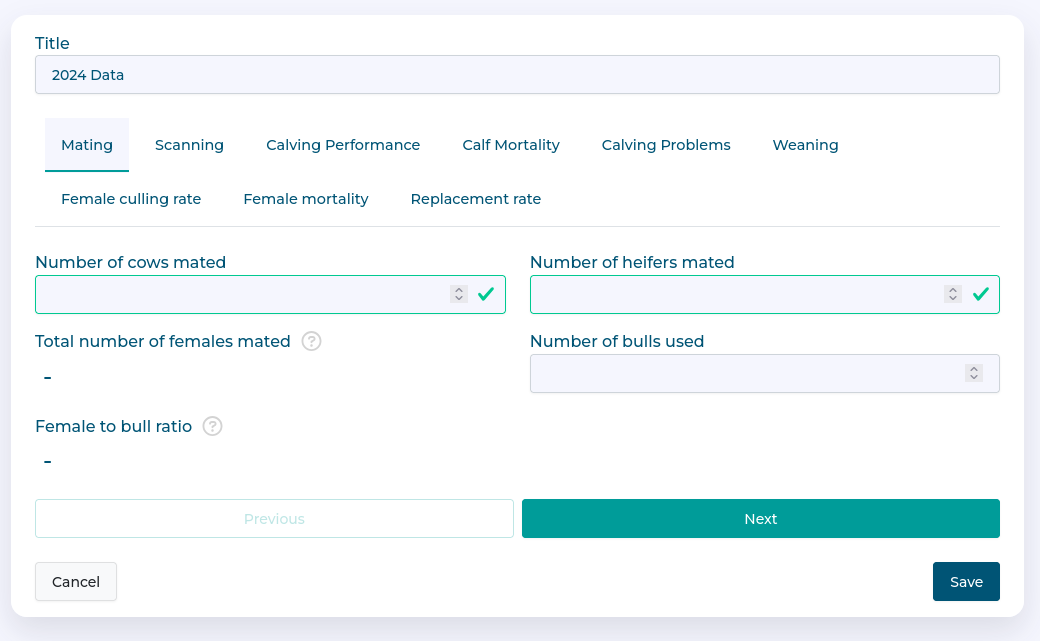
Click 'Save' when done.
Editing a Data Sheet
Click the 'Edit' button for the data sheet of interest
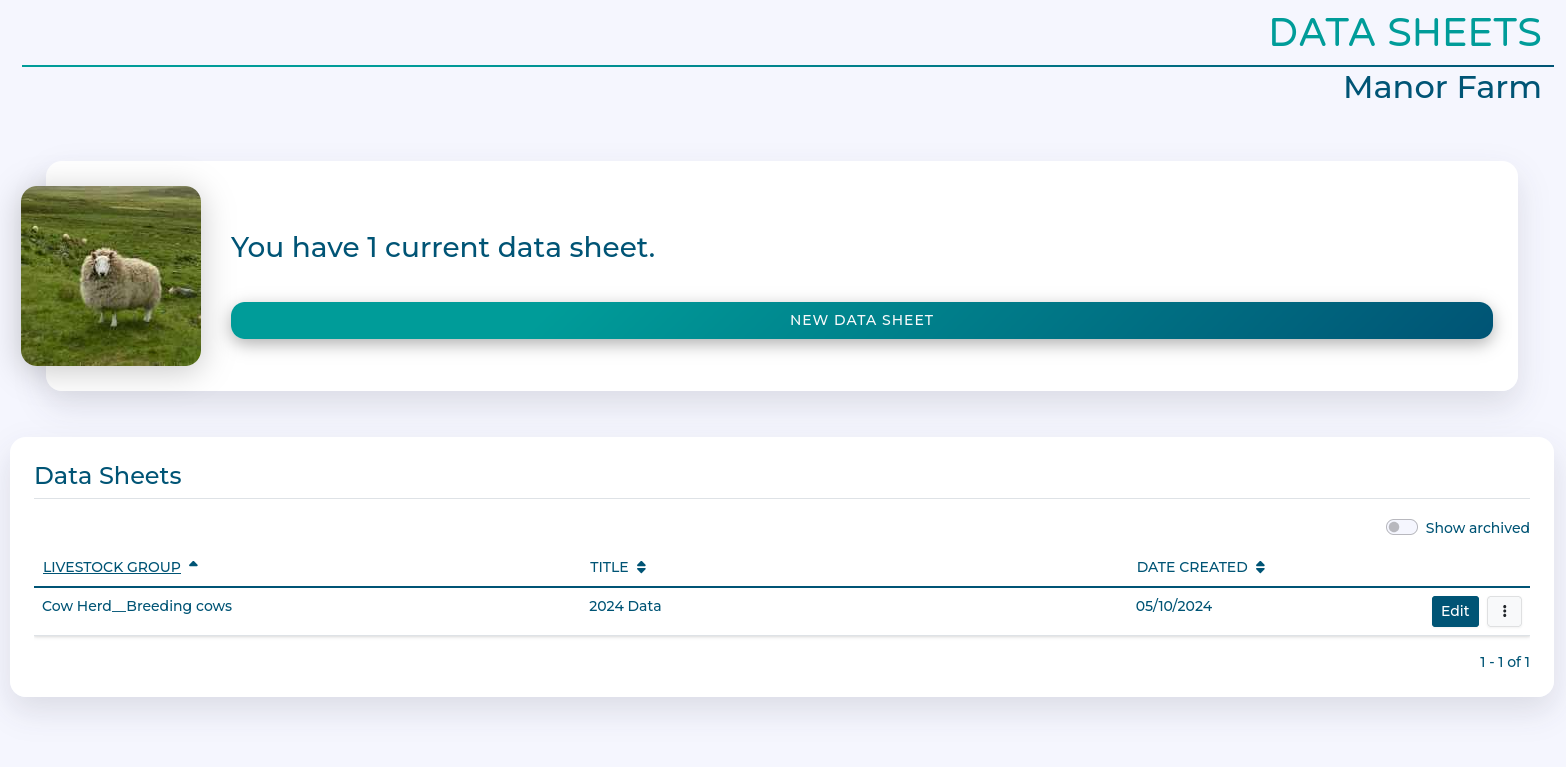
Fill out data you want to record.
Click 'Save' when done.
Viewing and exporting Data Sheets
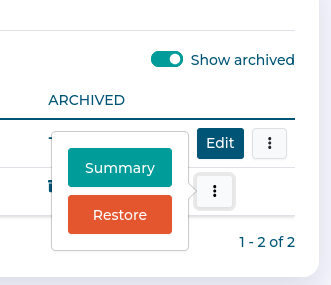
From the context menu, you can select 'Summary'
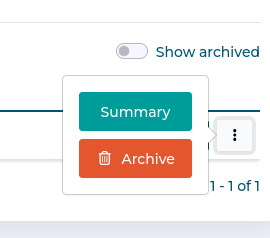
This will show a single-page summary of recorded data.
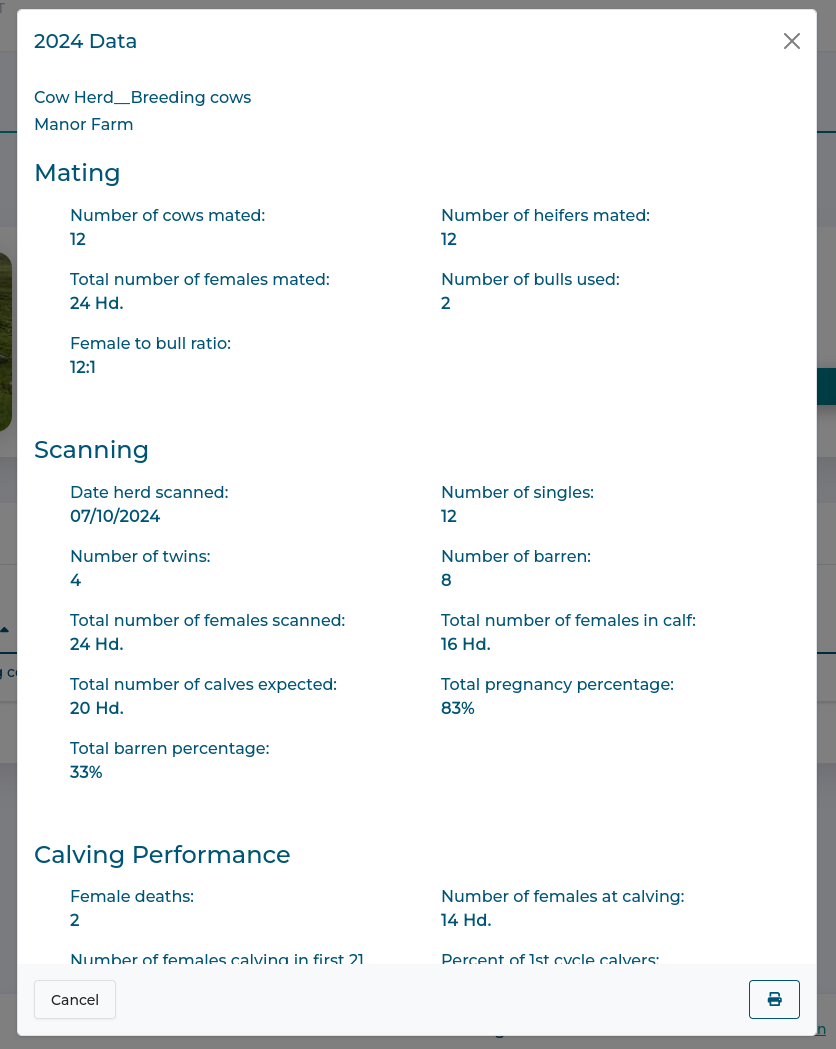
You can use the printer icon in the corner to generate a PDF copy which can be emailed or printed.
Archiving Data Sheets
As Data Sheets are often linked to specific time periods, you might want to archive old ones to avoid having lots of old sheets.
From the context menu select 'Archive' to hide unwanted sheets.
They aren't deleted, and can be seen by selecting the 'Show Archived' toggle on the Data Sheet list.
Archiving can be reversed, just select 'Restore' from the context menu.