Livestock Group Tags
While setting up livestock groups on the farm, it is easy to add tags to each herd or flock.
Tags are useful to help narrow down the focus for targets, actions, and routine treatments, which are set on an animal group but may only affect animals in a subset of that group.
Tags can be added or removed from an animal group at any time by managing your livestock groups:
Create and edit tags
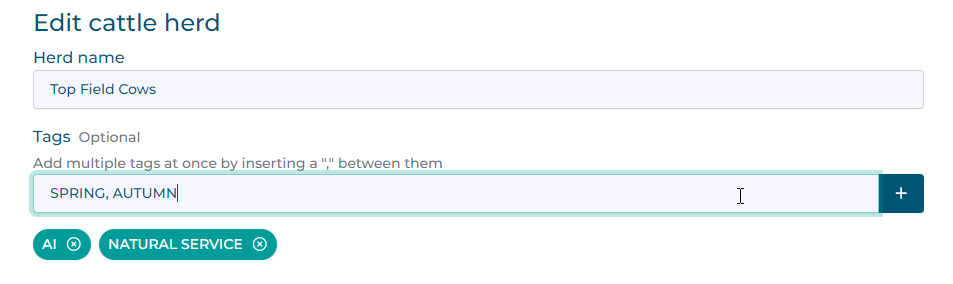
While creating or editing a herd or flock, type tag names into the input. Multiple tags can be created at once by separating them with a comma (
,)
Click the
+button to add the tags. Duplicate tags will be ignored.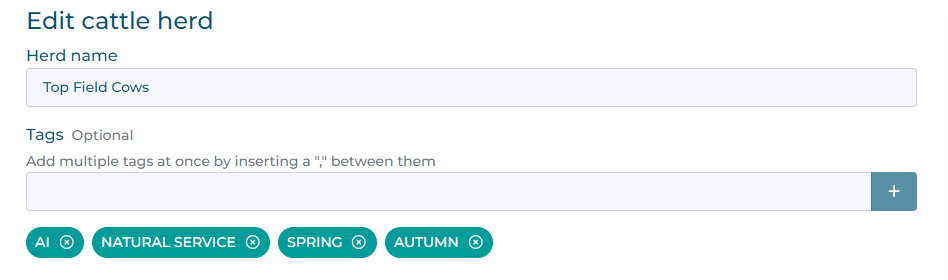
Remove a tag by clicking on the X icon. Tags can be added or removed as often as you wish.

Save your changes to apply the new tags.
Last modified: 20 February 2026