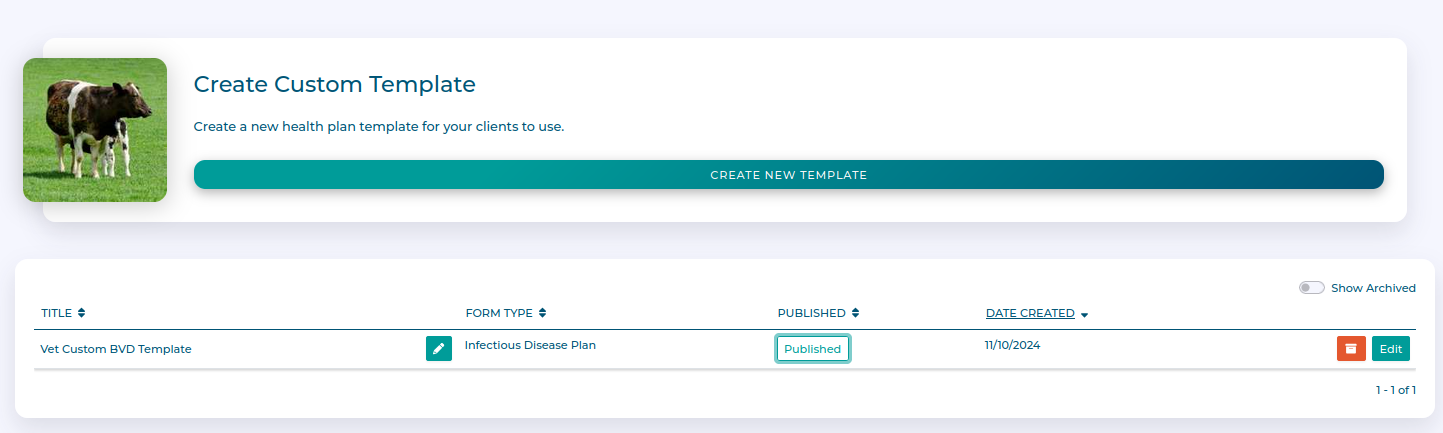
My Templates
In the My Templates section you can write or customise module templates for use by your clients.
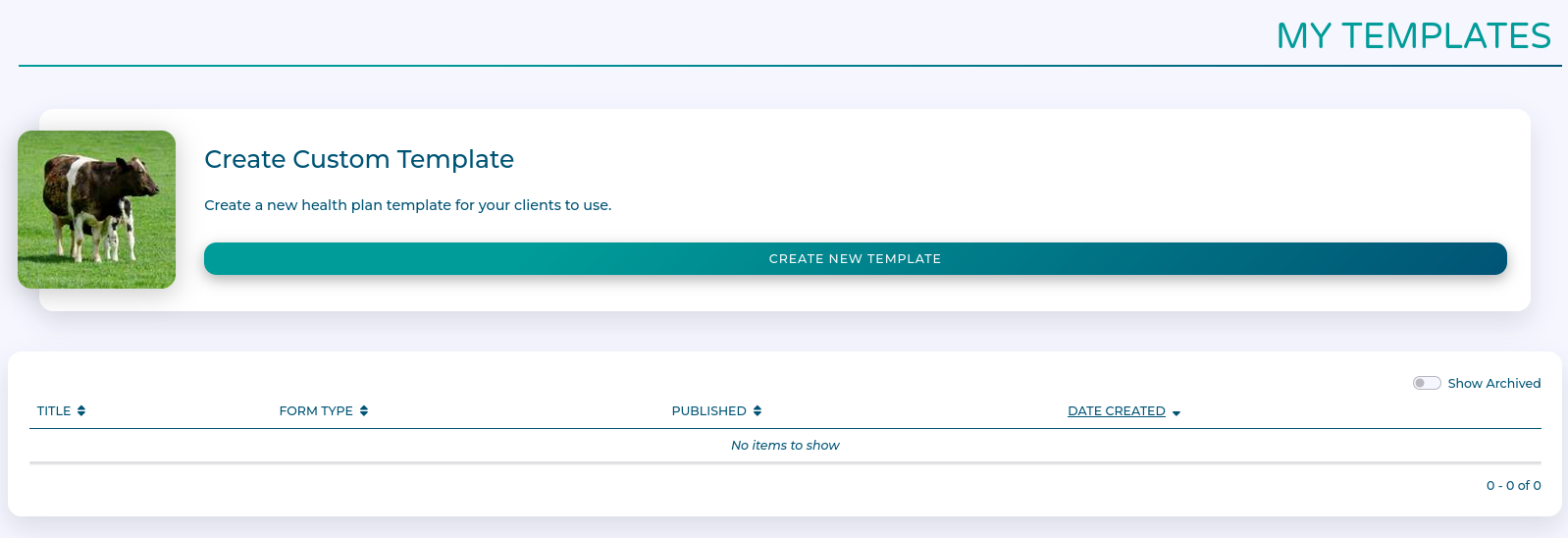
Health Plans are made up of modules which capture targets and actions for livestock groups. Clients use templates to set up these modules, and templates define suggested default actions and targets.
In creating a custom template, you can add, remove, or edit the default actions and targets to suit your needs. And then re-use the template with multiple clients.
Workflow
Creating a new Template
Click Create new template to get started.
Select a module template that you want to use as a starting point. You also need to choose a name for your template.
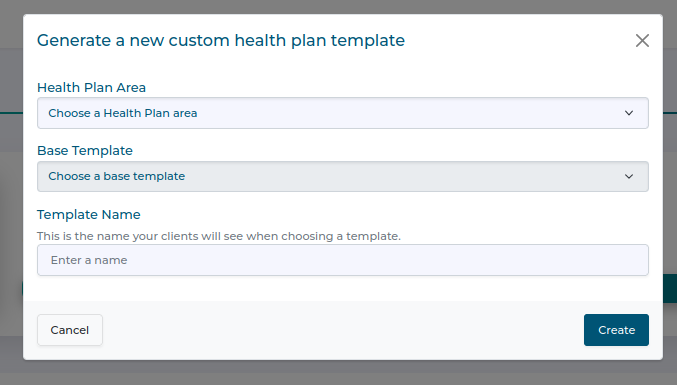
Click Create once you are done.
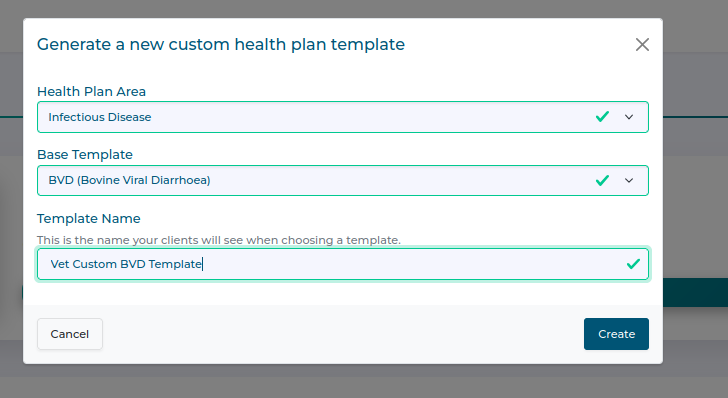
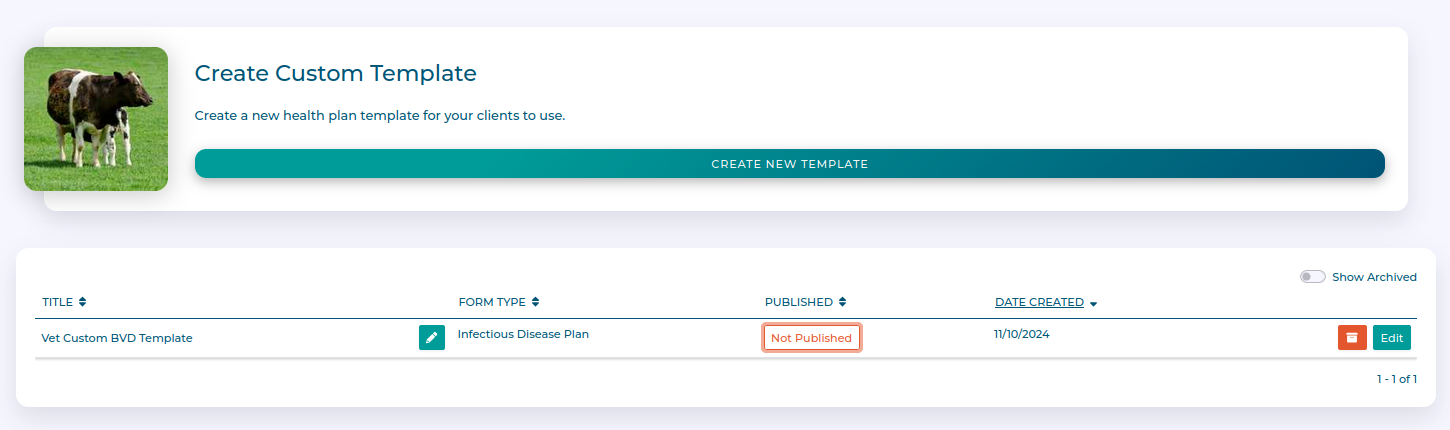
You now have a new unpublished template.
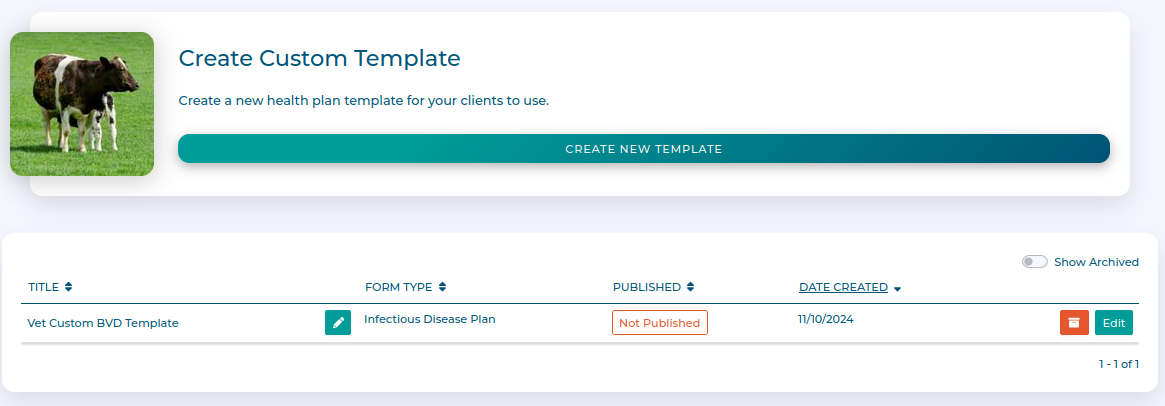
Editing your template
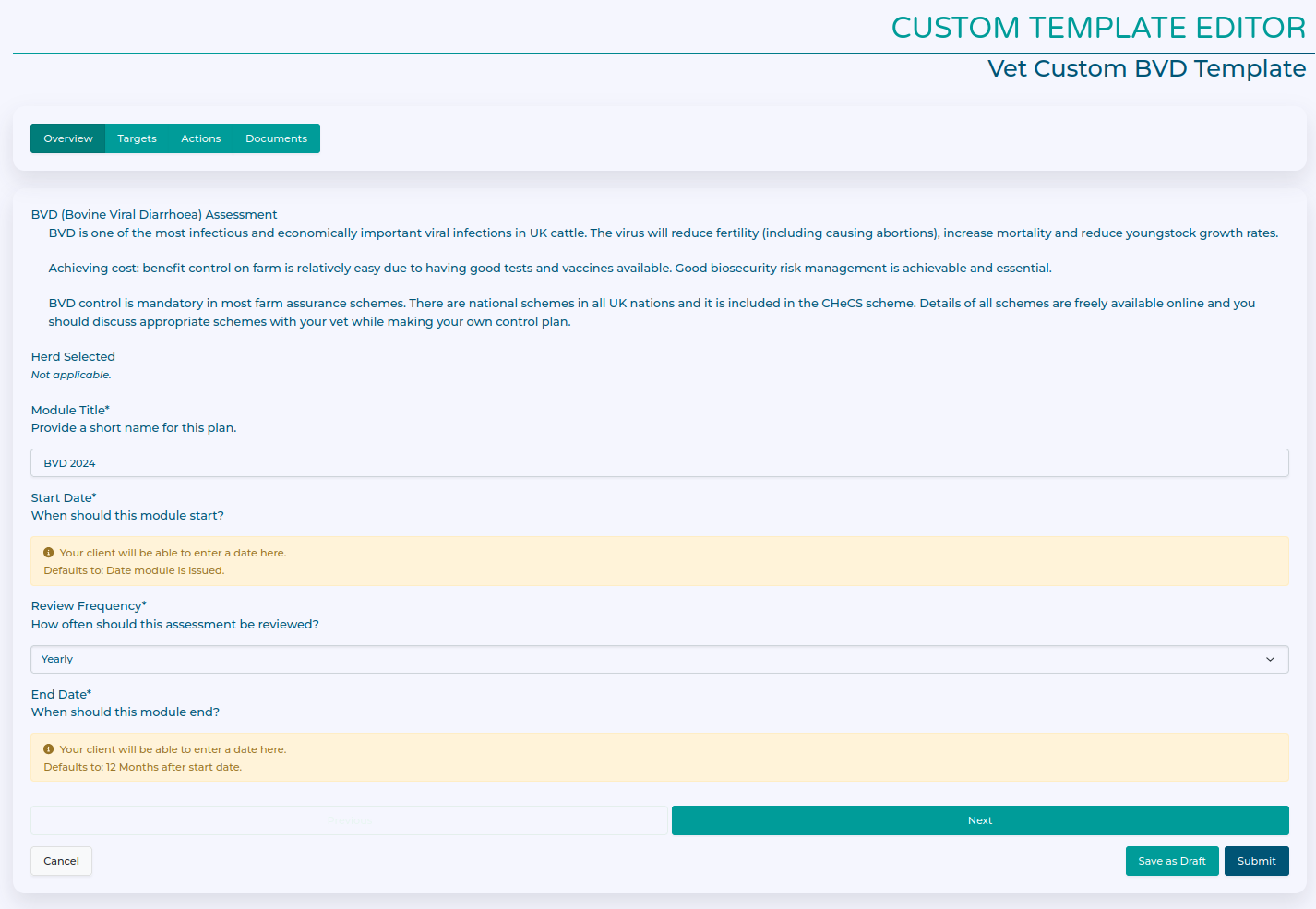
Click Edit to start.
You can add a suggested plan title for the client, and suggested review frequency in the overview tab.
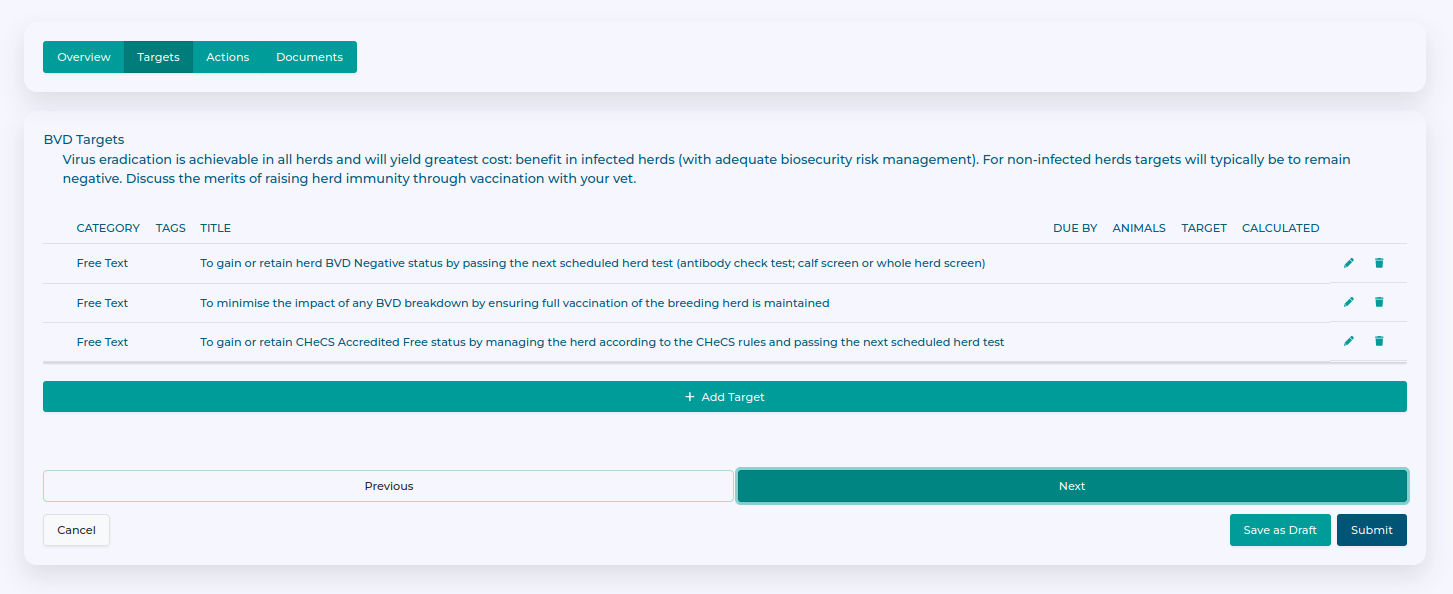
You can add, remove, or edit targets in the target tab.
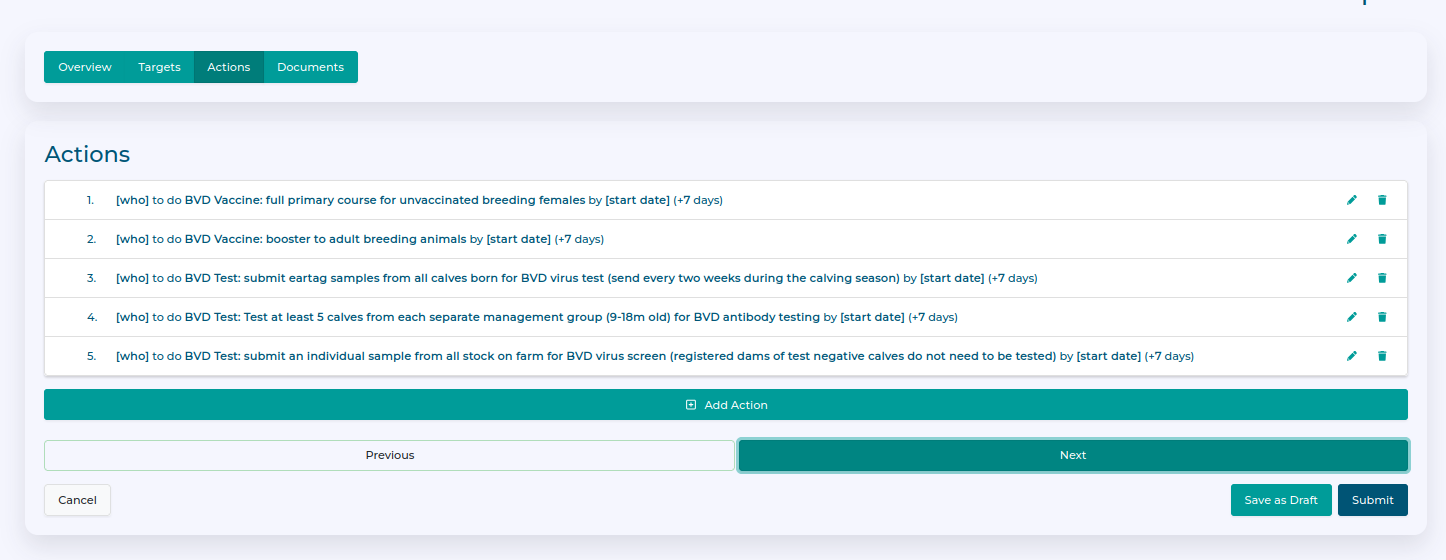
You can add, remove, or edit actions in the target tab.
You can add, remove, or edit required documents in the documents tab. Click Submit once you are happy with the template.
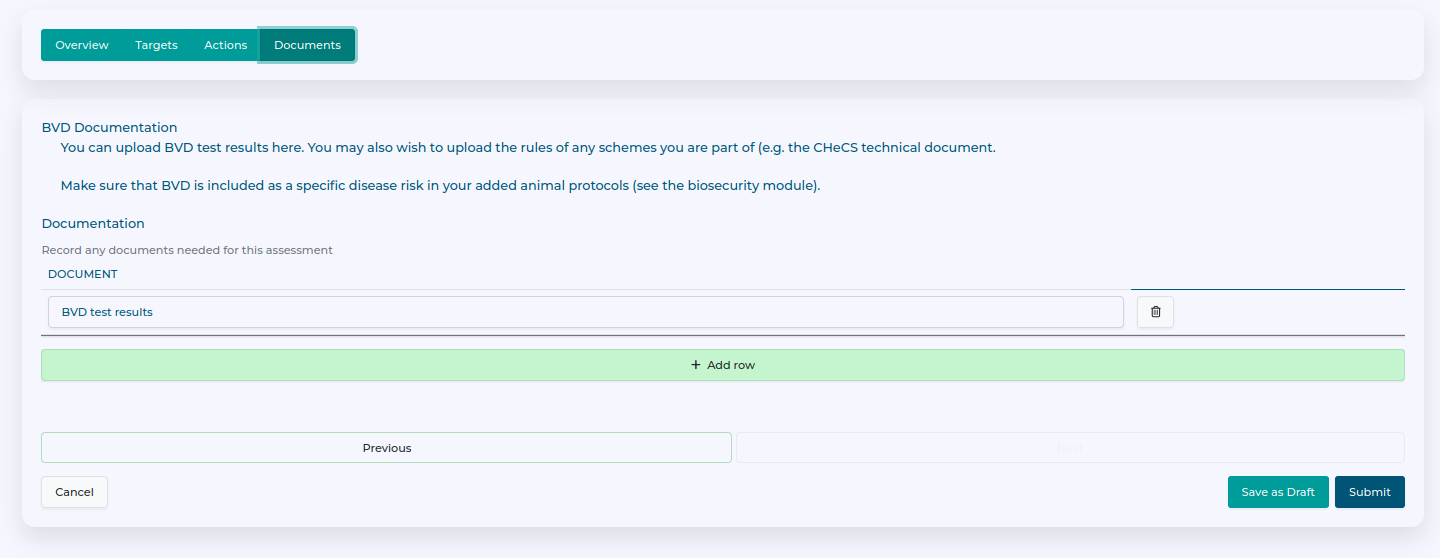
You now have a completed, unpublished template.
Managing templates
Templates aren't available to clients to use until they are published. You can toggle the status by clicking on the Not Published or Published button respectively.
Unwanted templated can be archived using the Bin icon. You can always restore archived templates by clicking the Show archived toggle and restoring them.