My Practice Team
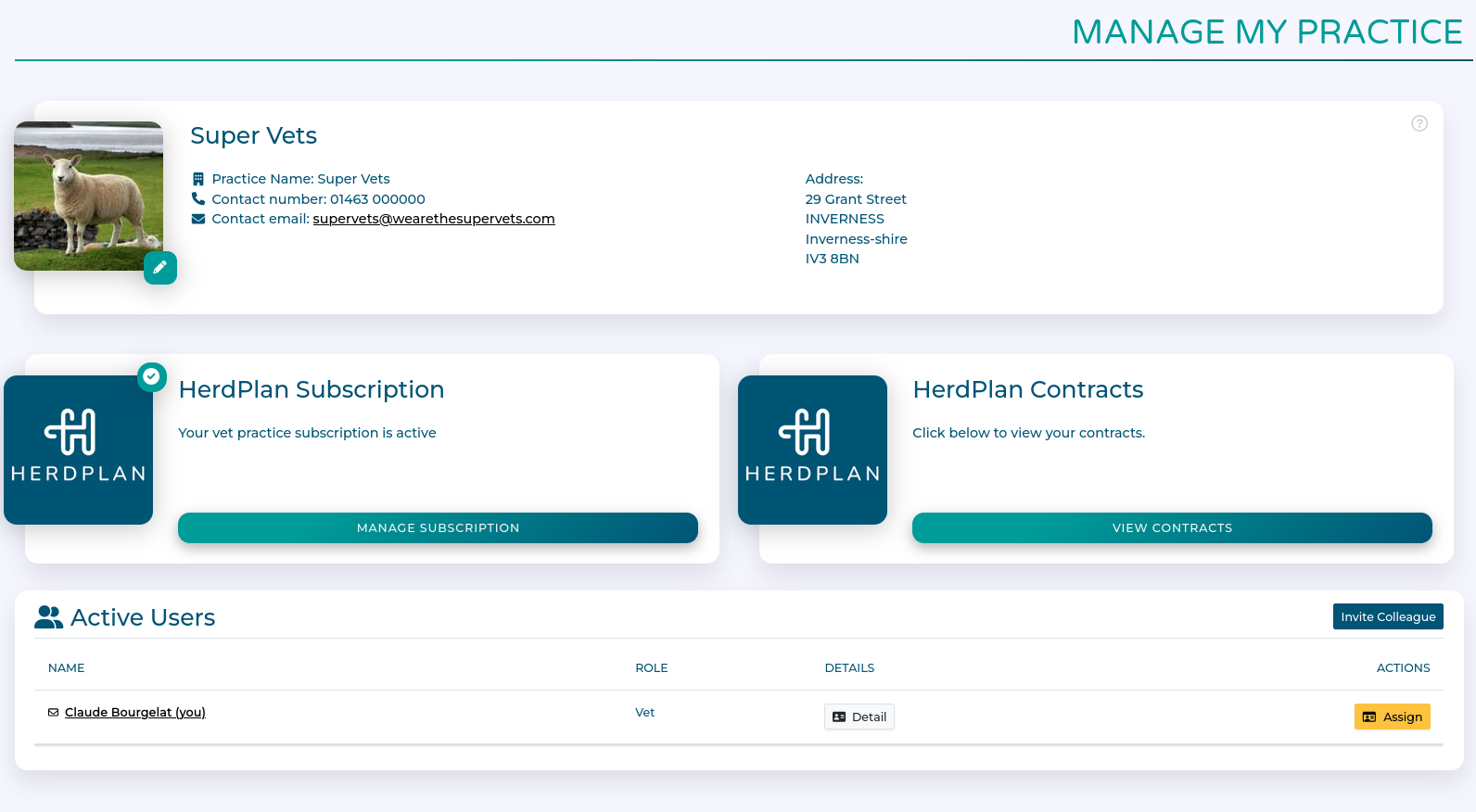
Here you can:
upload a logo for your practice.
add, remove, and modify members of your practice team.
Manage your HerdPlan subscription and contracts
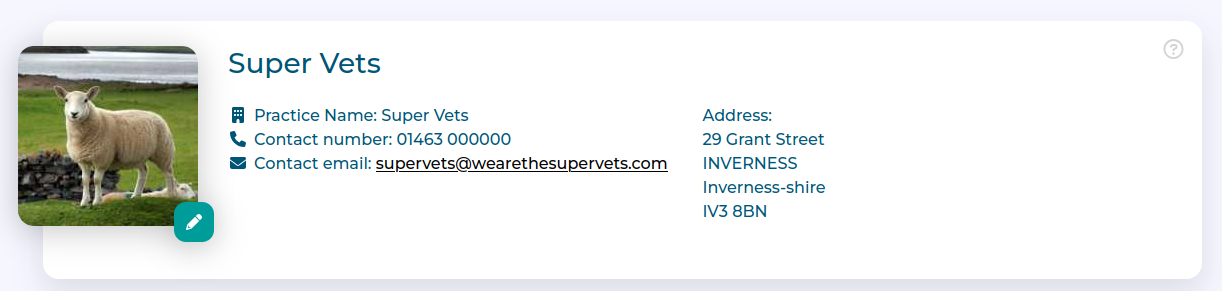
Practice Logo
Set a logo for your practice by clicking on the pencil icon on the practice details card. This logo will be used in the Farm view and on generated Health Plan summaries.
Workflow
Inviting Colleagues
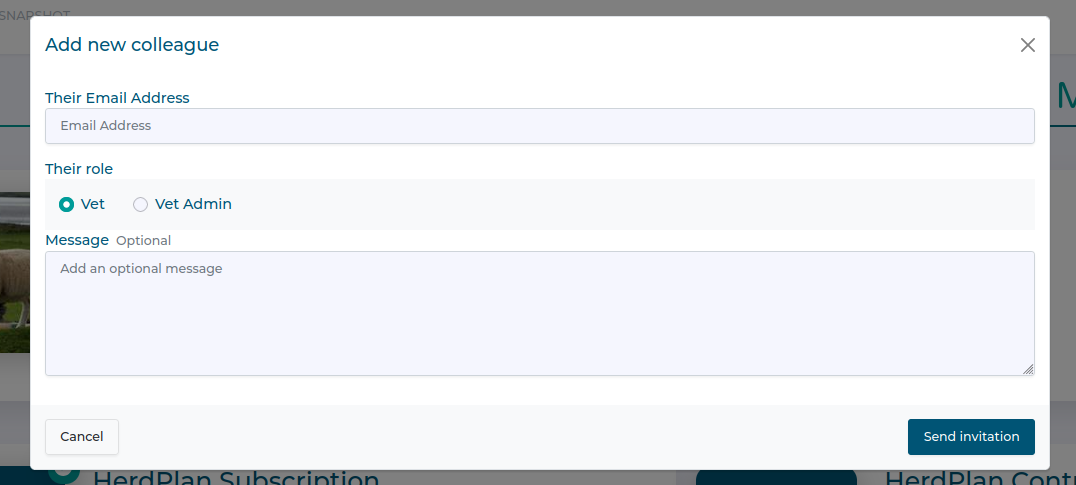
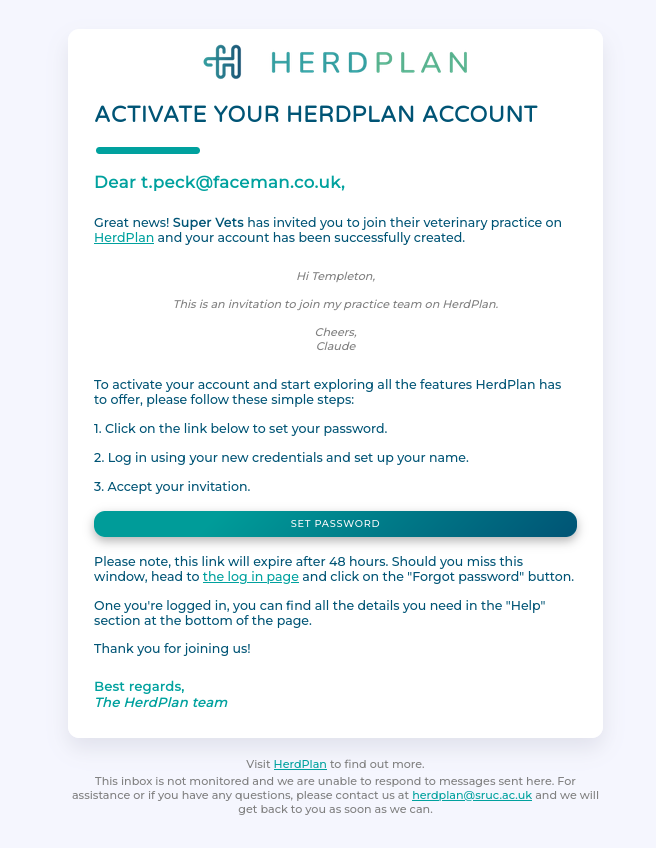
Click 'invite colleague'

Add their email address and an optional message.
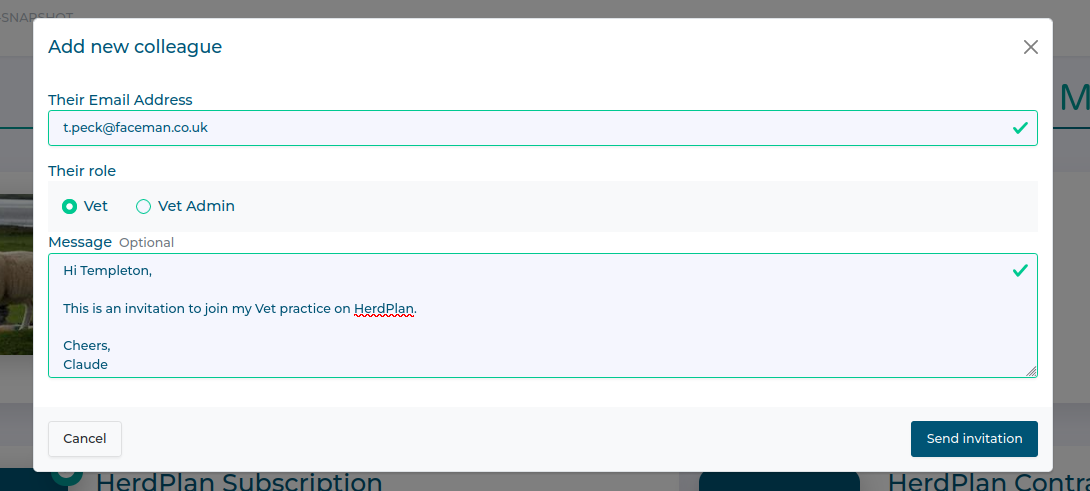
You must also choose a role for the invited staff member, either as a Veterinarian or Vet Admin. Vet Admin staff cannot sign off Health Plans or other legal statements.
Once finished, click 'Send invitation' and they will receive an email inviting them to join HerdPlan and your practice.
Changing Roles
You can only do this if you are the Practice Owner.
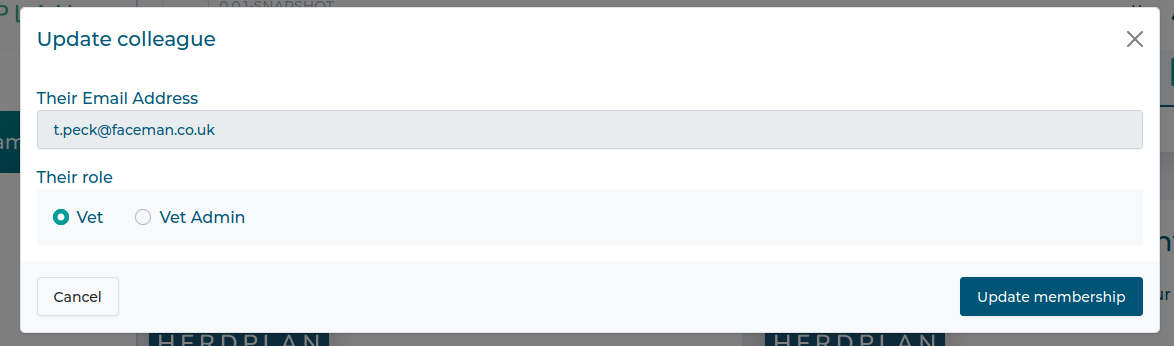
Use the 'modify' button to change staff roles.

Select the new role and click Update Membership
Removing Colleagues
You can only do this if you are the Practice Owner
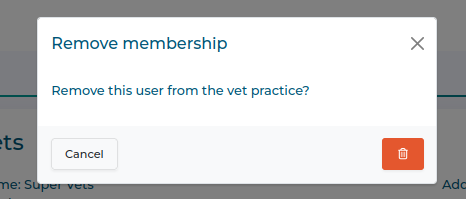
Click on the red 'dustbin icon'
You will be asked to confirm removal.
Assigning Practice Ownership
You can only do this if you are the Practice Owner.
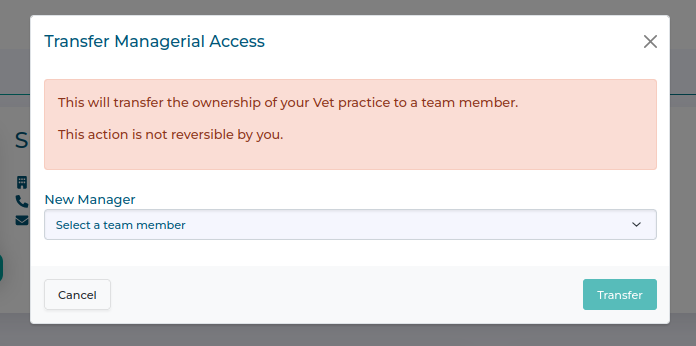
Click on the yellow 'assign' button
Select the team member you wish to transfer ownership to and click 'Transfer'
Managing Subscriptions and Contracts
There are two cards providing access to information about subscriptions and contracts.
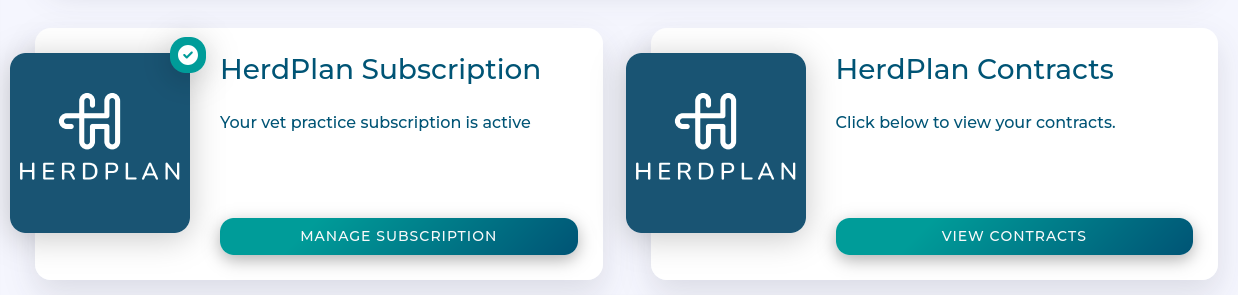
HerdPlan subscription
TODO - Requires content update on payments etc.
HerdPlan contracts
Here you can see a list of all contracts associated with your practice.
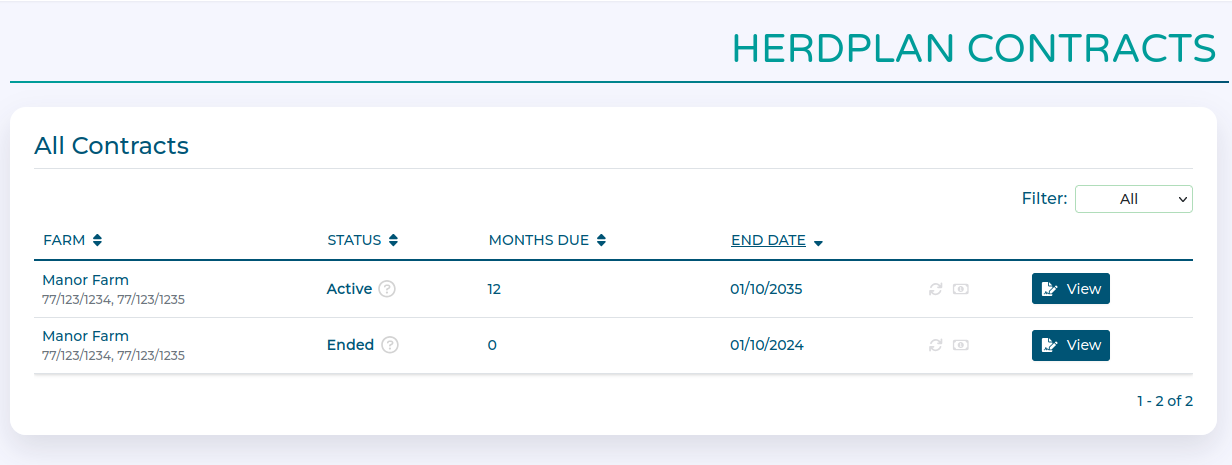
Clicking the view button for any contract brings up more information about its status.
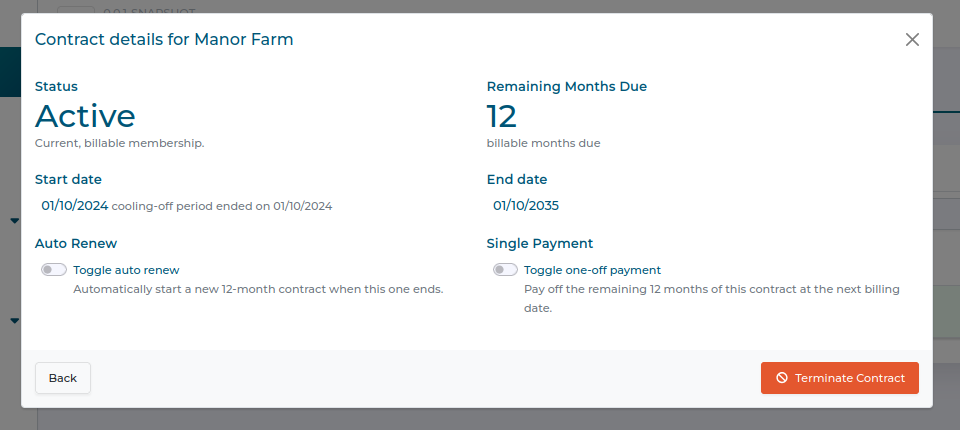
Click here to learn more about contracts and how they work.