Managing the Team
Here you can add or remove members of the team.
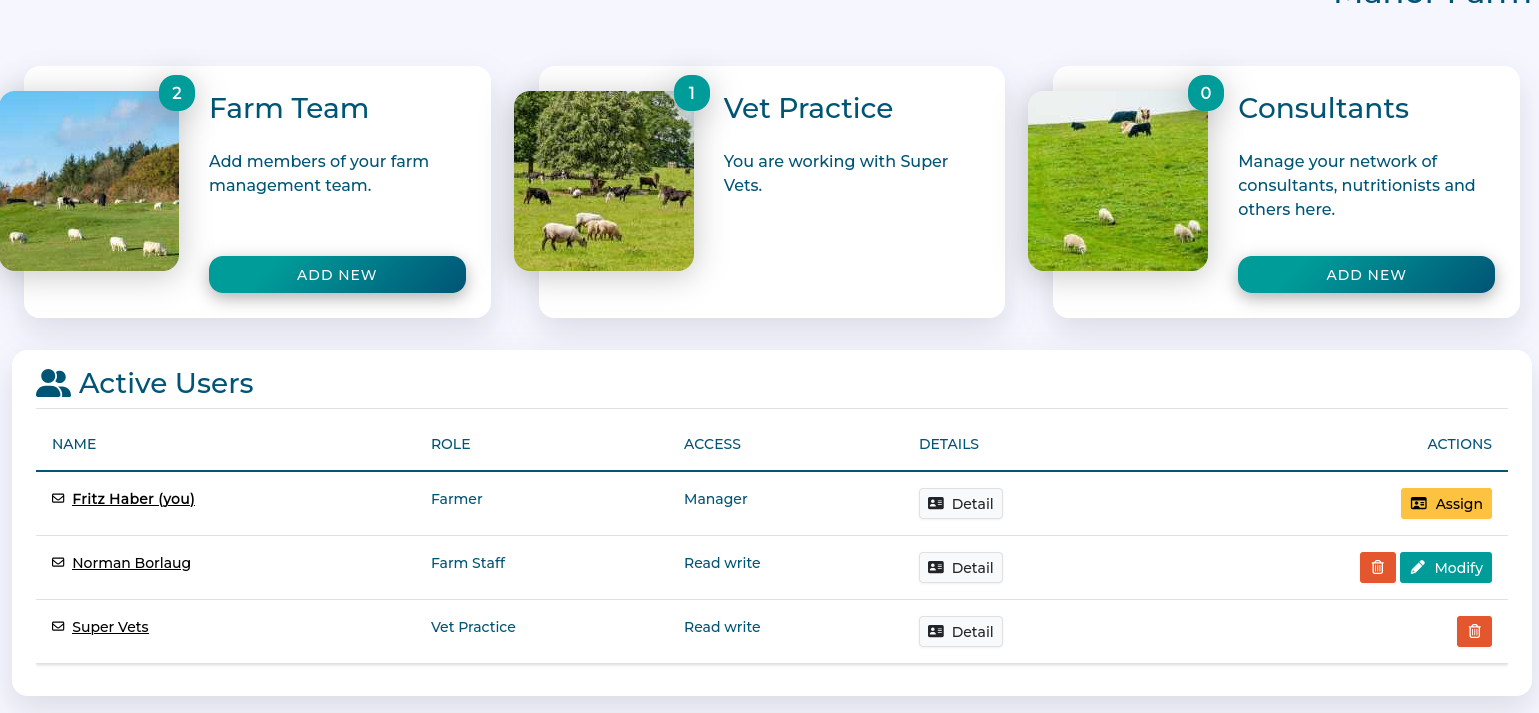
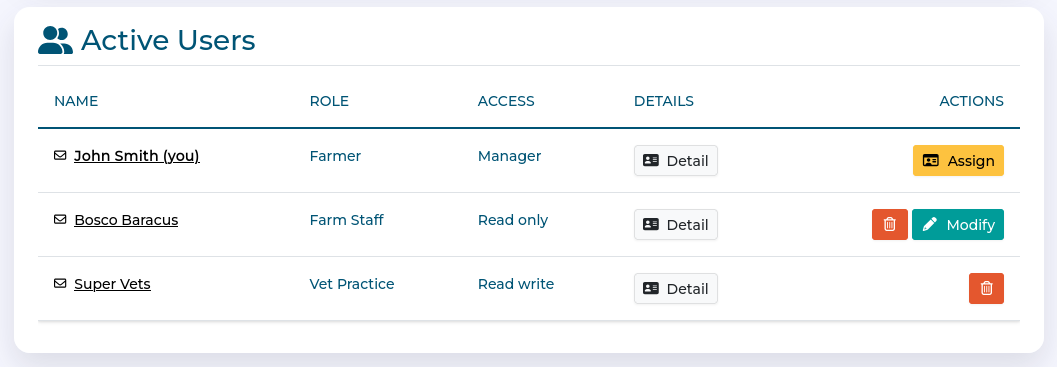
The main overview of the 'My Team' page shows:
A card to invite members of the Farm team
A card to invite a vet farm
A card to invite consultants
A list of active users in the Farm team
Workflow
Add a Vet Practice
Click 'Add new' on the Vet Practice Card
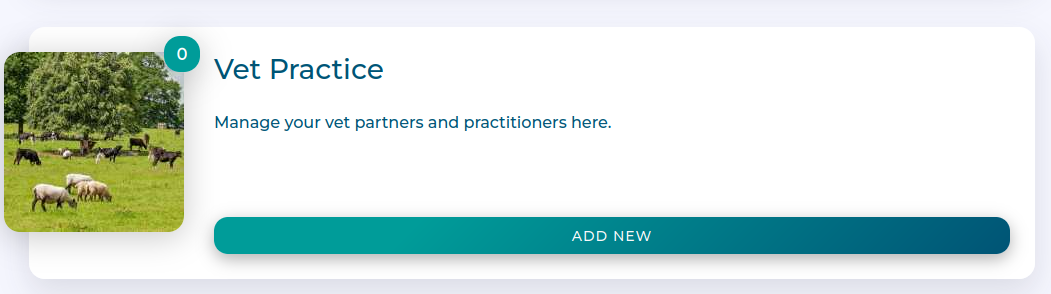
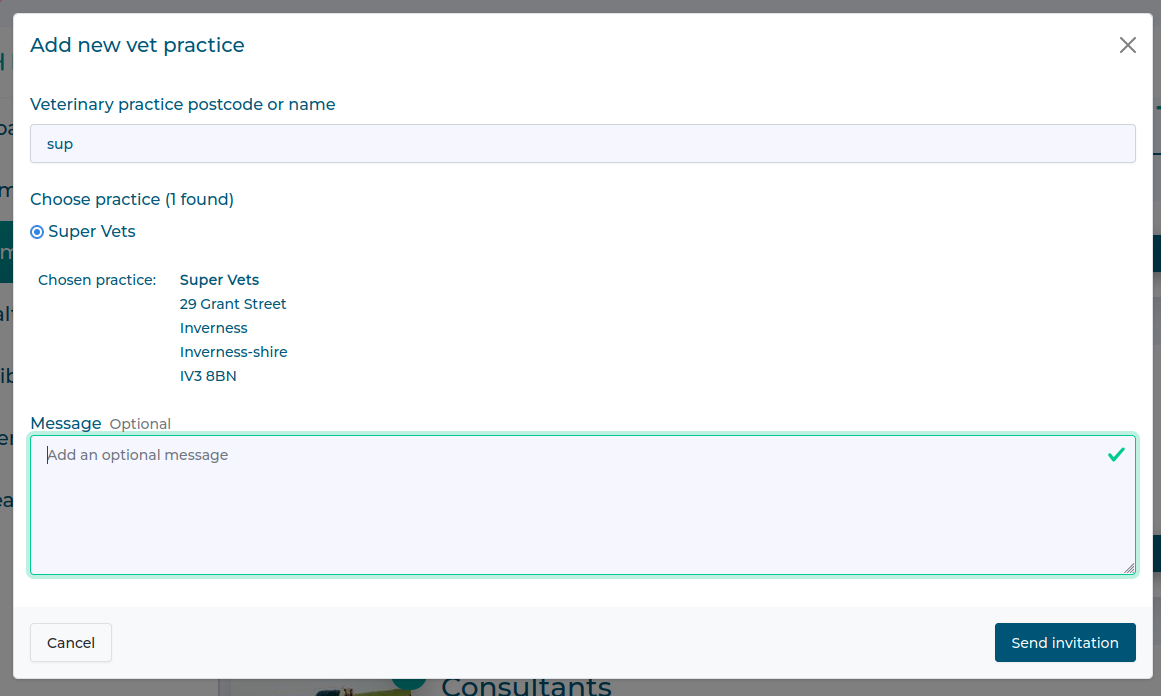
Find your Vet Practice by searching by postcode or practice name.
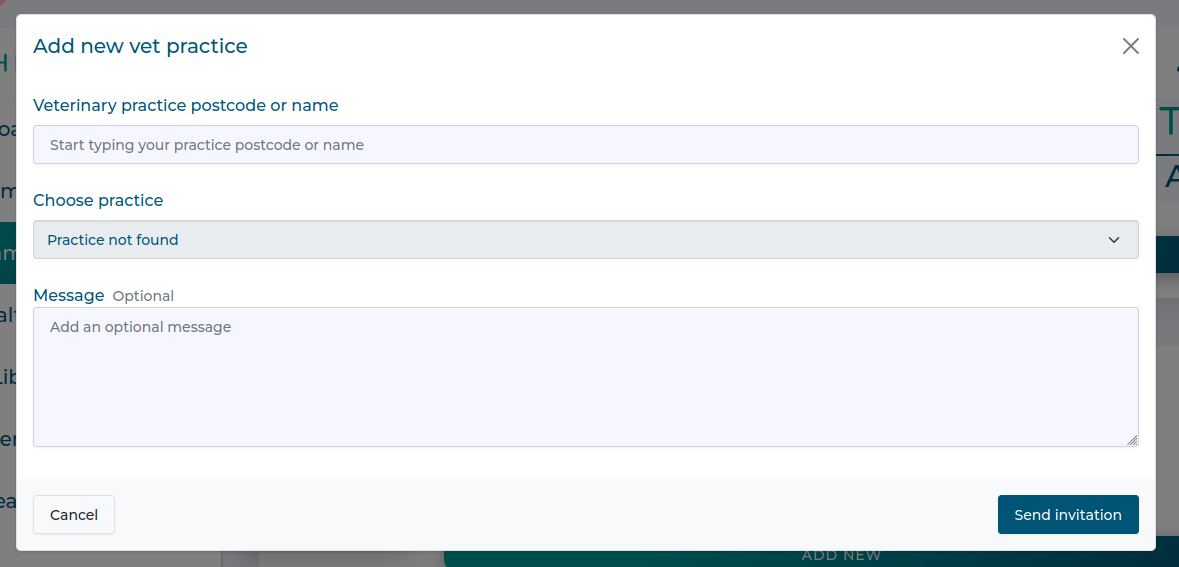
Once located, select your Vet Practice, and add an optional message if you want. The click 'Send Invitation'
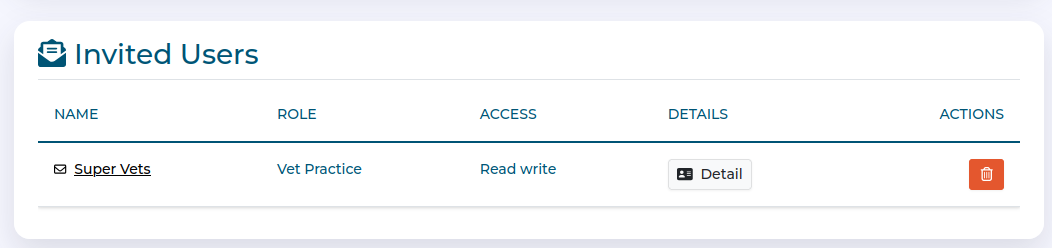
Your practice will stay in the 'invited users' card until the invitation is accepted.
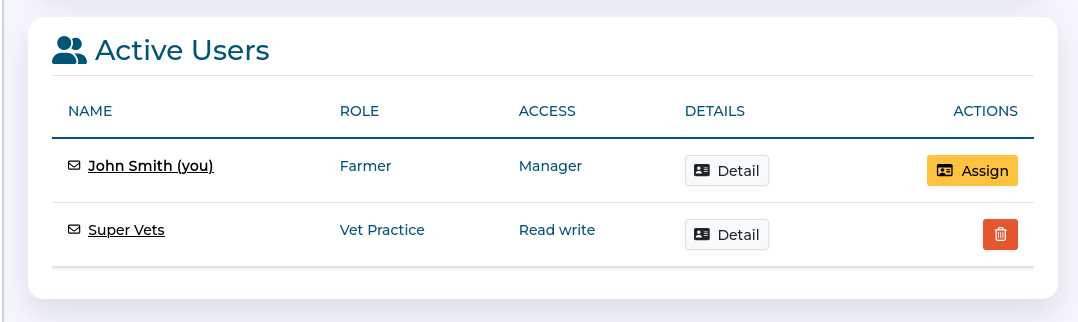
Once accepted, the practice will be in your Active Users card.
Add a Team Member
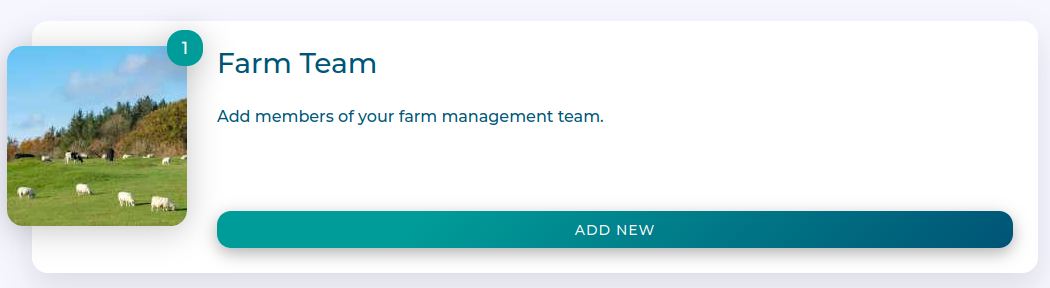
Click 'Add new' on the Farm Team Card
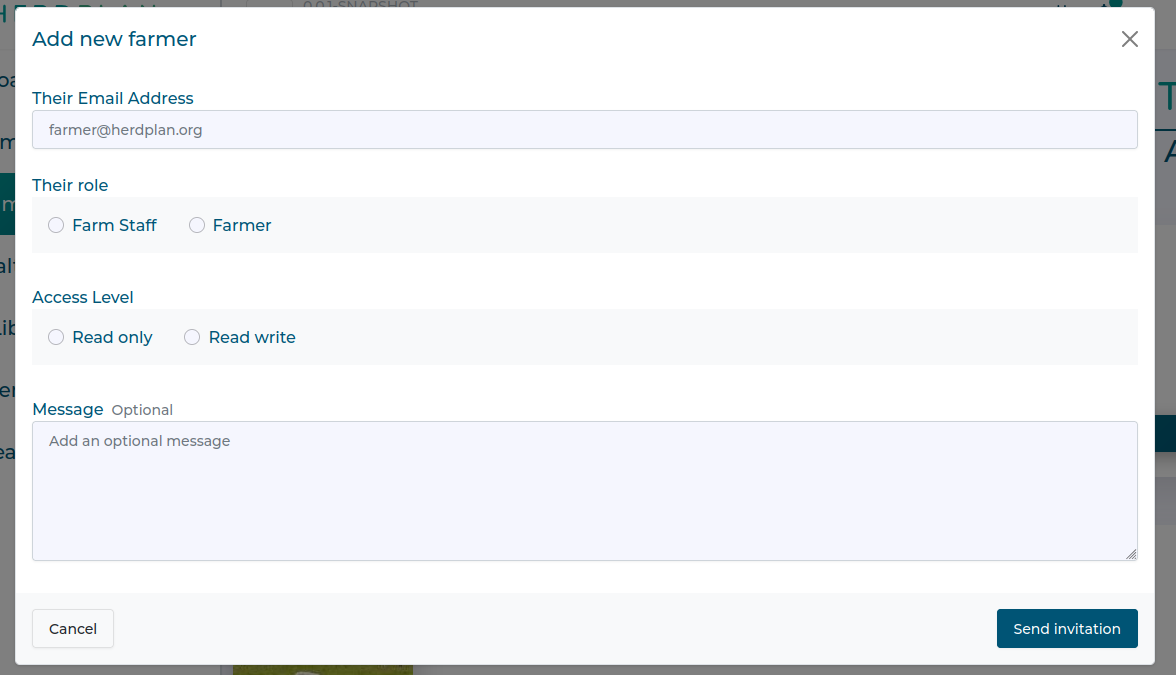
Add the email address of the person you want to invite to your team and select their role.
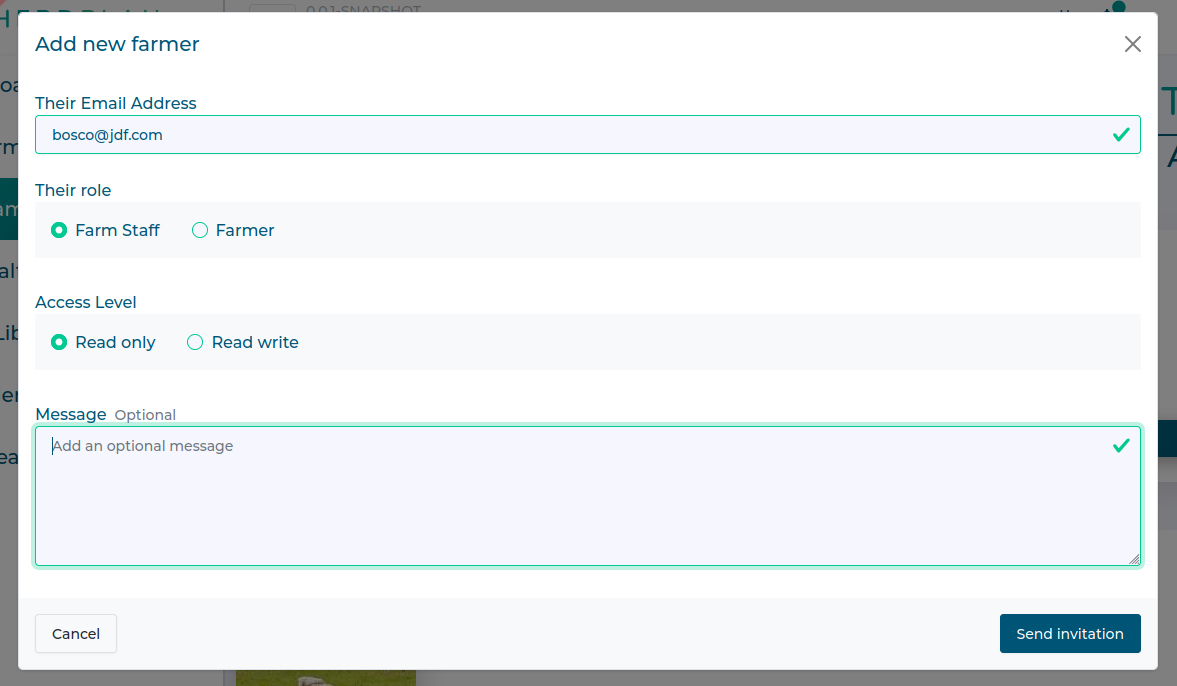
Once finished add an optional message if you want. The click 'Send Invitation'
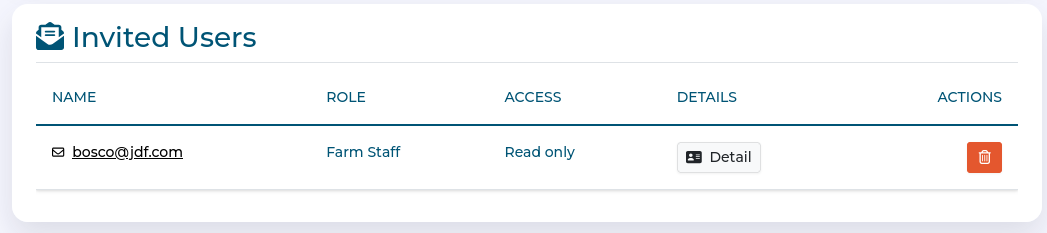
Your colleague will stay in the 'invited users' card until the invitation is accepted.
Once accepted, they will be visible in your Active Users card.
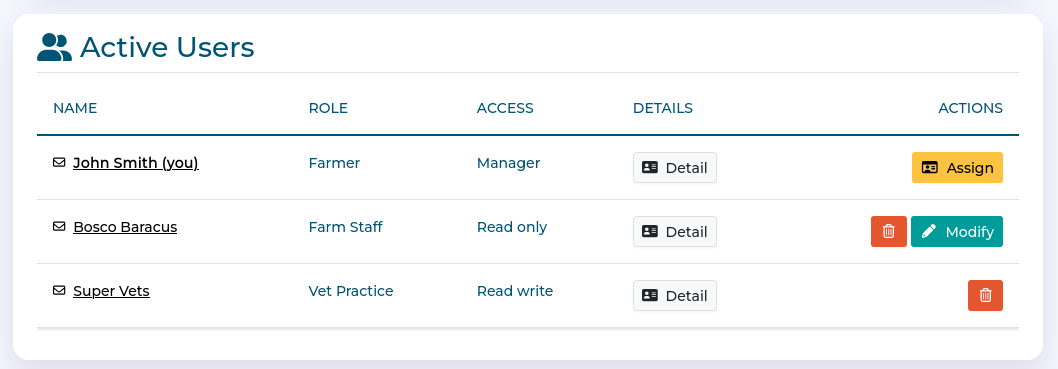
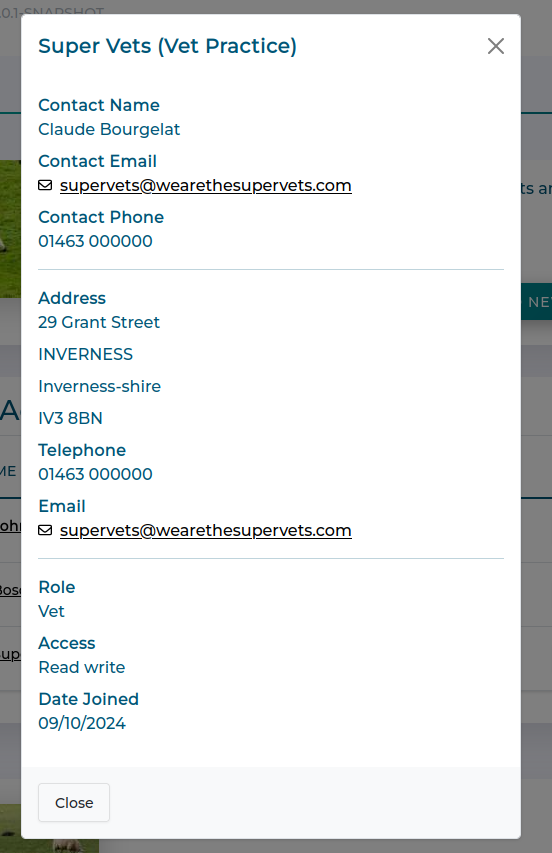
Active User Details
You can view more information about team members using the detail button.
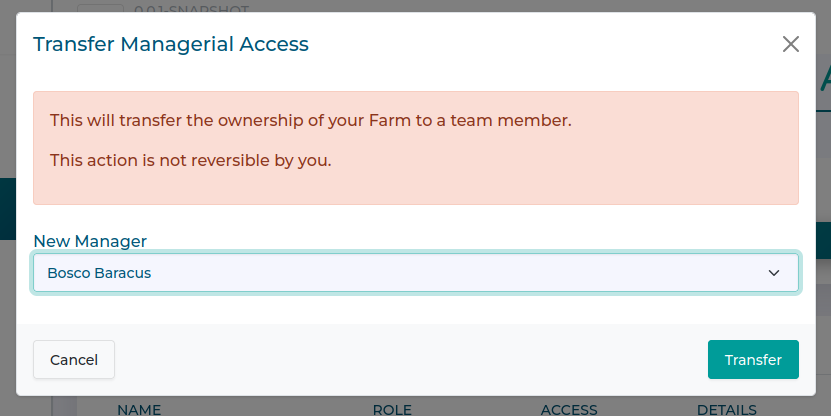
If you are the Farm Manager, you can transfer this role
Changing Roles
You can only do this if you are the Farm Manager.
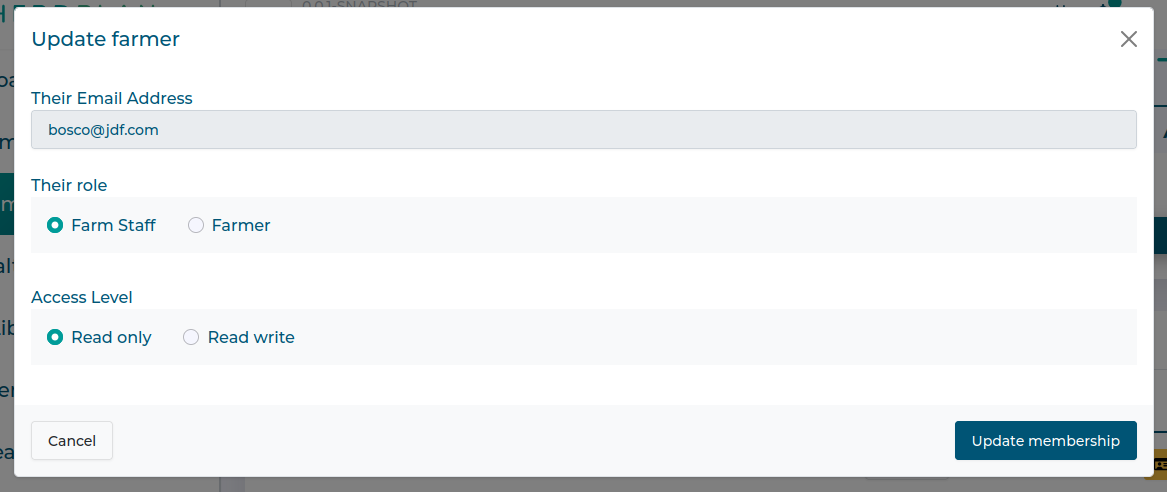
Use the 'modify' button to change staff roles.
Select the new role and click Update Membership
Removing Colleagues
You can only do this if you are the Farm Manager
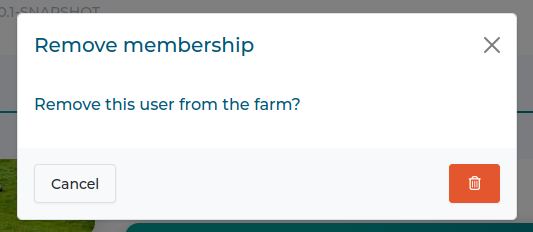
Click on the red 'dustbin icon'
You will be asked to confirm removal.
Assigning Farm Managership
You can only do this if you are the Farm Manager.
Click on the yellow 'assign' button
Select the team member you wish to transfer ownership to and click 'Transfer'